
Blog

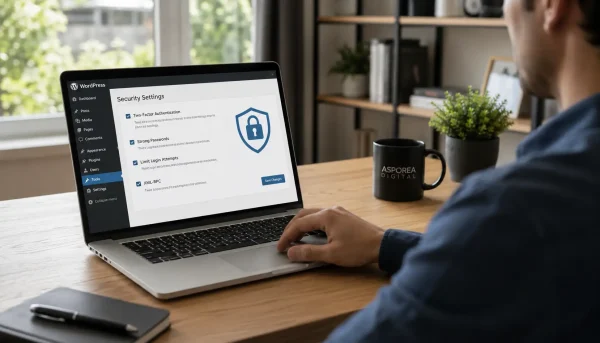
WordPress Security Basics Every Small Business Website Should Get Right
Practical WordPress security basics for Australian small businesses, covering logins, updates, backups, plugins, hosting and monitoring.

TL;DR:
- Running an online shop is essential for Canberra businesses to reach local and national customers.
- Proper legal and administrative setup, including ABN, business registration, and compliance, is crucial before launch.
- Choosing the right platform and maintaining a mobile-optimized, locally relevant store improves success and growth.
Running a business in Canberra without an online shop means leaving real money on the table. Customers search, compare and buy online every day, and if your business isn’t there, a competitor is. Whether you sell handmade goods, professional services or physical products, an e-commerce site opens your doors to local and national buyers around the clock. This guide walks you through every practical step, from registering your ABN to choosing the right platform, setting up payments and launching with confidence. Follow these steps and you’ll have a solid foundation for steady online sales growth.
| Point | Details |
|---|---|
| Sort business admin first | Register your ABN and business name early, as they’ll unlock your .com.au domain and legal setup. |
| Choose a platform for your skills | Pick Shopify if you want quick setup; use WooCommerce if you want more control and lower ongoing costs. |
| Mobile optimisation is key | More than 80% of traffic comes from mobile, so always test your store’s checkout on phones and tablets. |
| Legal compliance protects you | Display privacy, refunds and T&Cs prominently to stay on the right side of Australian law. |
| Post-launch: analyse and improve | After launch, use analytics plus cart recovery and A/B testing to drive continuous sales growth. |
Before you launch your online shop, get your admin and paperwork sorted. Starting without the right foundations in place can cause costly delays later.
First, confirm you have an Australian Business Number. An ABN is free to obtain and is essential for operating legally online. You’ll also need it to register a .com.au domain, which signals trust to Australian customers. If you don’t have one yet, apply at abr.gov.au before doing anything else.
Next, check whether your business name is registered. You can register a business name through ASIC for around $39 per year or $92 for three years. This protects your brand and is required if you trade under a name other than your own.
For GST, the threshold is $75,000 in annual turnover. Once you reach that figure, registration is mandatory. Many new online stores register early to claim input tax credits and appear more established to customers.
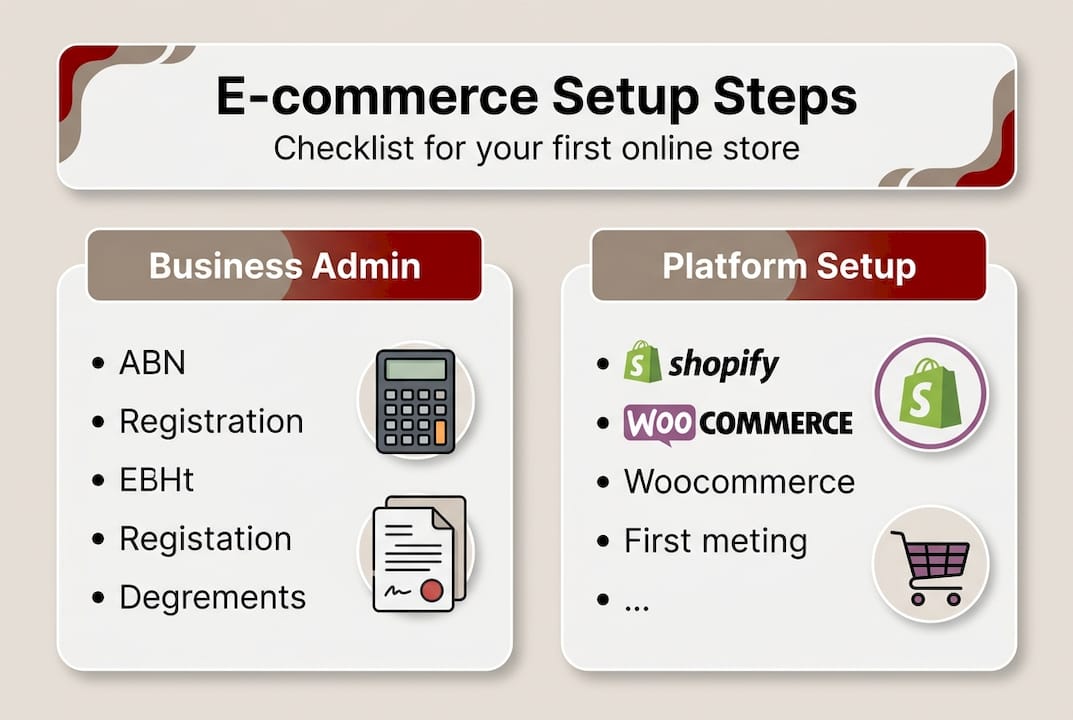
As noted in guidance for Australian small businesses, you’ll need a free ABN, a registered business name, GST registration if applicable, and compliance with the Australian Consumer Law before trading online.
Here’s a quick checklist of what to have ready:
| Requirement | Cost | Where to action |
|---|---|---|
| ABN registration | Free | abr.gov.au |
| Business name (1 year) | ~$39 | asic.gov.au |
| GST registration | Free | ato.gov.au |
| .com.au domain | ~$20/year | Domain registrar |
Pro Tip: If you’re new to building a business online presence, our business website guide for Canberra covers the broader setup process in plain language.
With admin sorted, it’s time to pick the right technology for your new shop. The platform you choose shapes how you manage products, accept payments and grow over time.
Shopify is the most popular choice for first-timers. It handles hosting, security and updates for you. Australian-specific features include built-in GST tools, Afterpay and Zip integrations, and local payment methods. Plans start at around A$42 per month. The trade-off is that Shopify charges transaction fees unless you use Shopify Payments.
WooCommerce is a free plugin that runs on WordPress. The plugin itself costs nothing, but you’ll pay for hosting and any premium extensions. It’s highly customisable and excellent for SEO, making it a strong long-term choice for businesses that want full control. It does require more technical confidence to set up and maintain.
BigCommerce suits businesses expecting fast growth. There are no transaction fees, and it scales well without requiring significant technical work. It sits between Shopify and WooCommerce in terms of complexity.
As recommended for small businesses, Shopify suits beginners with its GST and Afterpay support, WooCommerce offers flexibility and SEO advantages, and BigCommerce is the scalable, no-fee option.
“The best platform is the one you’ll actually use consistently. A simpler tool you manage well will always outperform a complex one you avoid.”
| Platform | Starting cost | Transaction fees | Best for |
|---|---|---|---|
| Shopify | ~A$42/month | Yes (unless Shopify Payments) | Beginners |
| WooCommerce | Free (+ hosting) | No | Tech-savvy owners |
| BigCommerce | ~A$39/month | No | Fast-growth businesses |
Pro Tip: If you’re leaning toward WooCommerce, our WooCommerce guide for Canberra businesses explains exactly what’s involved before you commit. You can also review the official WooCommerce setup steps to understand the process.
Once you’ve picked a platform, you’ll start bringing your brand and products online. This is where your store starts to look and feel real.
Follow these steps to build your store methodically:
Payment options matter more than many new store owners realise. Offering only one method reduces conversions. Include Stripe or PayPal for card payments, and add Afterpay or Zip for buy-now-pay-later, which are widely used across Australia.

Mobile optimisation is not optional. High-quality product photos, mobile-optimised themes and diverse payment solutions are consistently cited as key drivers of online store success. Test your entire checkout process on a smartphone before you go live.
Key things to check during your build:
For inspiration, browse e-commerce examples from Canberra businesses and review practical website design tips for Canberra SMBs to see what works locally.
Pro Tip: Review mobile e-commerce benchmarks before launch so you have a realistic target for your conversion rate from day one.
Even with a slick shopfront, compliance can trip you up if you miss key legal steps. Getting this right protects your business and builds customer trust.
Australian Consumer Law applies to every online store operating in Australia. That means you must honour consumer guarantees, accept returns for faulty goods and display a clear refund and returns policy. There’s no option to opt out of these obligations, regardless of what your terms say.
Every site must also have:
Your business structure also matters. A sole trader setup is simpler but offers no personal liability protection. A company structure provides separation between your personal and business assets, though it comes with higher compliance costs. Speak with an accountant if you’re unsure which suits your situation.
As outlined in legal requirements for online stores, compliance with Australian Consumer Law, a privacy policy and clear terms and conditions are non-negotiable for any Australian e-commerce business.
For GST-free exports, you’ll need proof of shipping to demonstrate the goods left Australia. Keep records carefully.
Important: In the ACT, local business registration rules may apply depending on your industry. Check with Access Canberra if you operate in a regulated trade or profession.
For real-world examples of how Canberra businesses handle compliance and credibility online, see our Canberra small business website examples.
Also review the full compliance guidance from Lawpath to confirm you’ve covered every requirement before going live.
With your online shop compliant and ready, it’s time to launch and refine your operations. A careful launch protects your reputation and sets you up for steady growth.
Before going live, work through this checklist:
Once live, monitor these key metrics regularly:
The numbers are sobering but useful. E-commerce benchmarks for 2026 show average conversion rates of 2 to 2.8%, cart abandonment above 70%, and mobile accounting for 84% of traffic. Knowing these figures helps you set realistic goals and spot problems early.
| Metric | Industry benchmark | Your target |
|---|---|---|
| Conversion rate | 2.0 to 2.8% | Above 2.5% |
| Cart abandonment | 70%+ | Below 65% |
| Mobile traffic share | 84% | Optimise for mobile |
Post-launch, focus on recovery and improvement. Cart abandonment emails recover a meaningful share of lost sales, so set these up early. SEO improvements, faster load times and A/B testing your checkout page all contribute to steady gains over time.
Pro Tip: Review our affordable website packages for Canberra businesses if you want ongoing support to manage and grow your store after launch. For broader performance targets, e-commerce KPIs from Triple Whale offer a useful comparison point.
You now have the tools, but there’s more to succeeding than just ticking the setup boxes. In our experience working with Canberra small businesses, the stores that struggle share a few common patterns.
The most frequent problem is ignoring mobile experience after launch. A store can look perfect on a desktop and be almost unusable on a phone. Given that website branding and design shapes first impressions within seconds, a clunky mobile experience erodes trust immediately.
The second issue is a lack of local relevance. Canberra customers respond to businesses that feel local and genuine. Generic stock photos, vague shipping policies and no mention of ACT delivery options signal that you haven’t thought about them specifically.
Small, steady habits create a strong defence against stagnation. Test your checkout monthly. Read customer feedback carefully. Update your product descriptions when something isn’t converting. The businesses that grow are the ones that treat their website as a living part of their operation, not a set-and-forget task. Rapid response to feedback, authentic local voice and consistent mobile testing are what separate Canberra stores that thrive from those that quietly disappear.
Ready for hands-on help or want to see what works in Canberra? The setup steps above give you a clear path forward, but having a local team in your corner makes the process faster and far less stressful.

At Asporea Digital, we build fixed-price WooCommerce stores for Canberra small businesses, with mobile-first design, secure hosting and ongoing support all included. Browse local e-commerce examples to see what’s possible, explore WordPress customisation options for Canberra businesses, or get in touch with our Canberra e-commerce team to talk through your project. We keep things straightforward, commercially focused and easy to manage.
Yes, an ABN is required to register a .com.au domain and to legally operate your business online in Australia. You can obtain a free ABN through abr.gov.au in minutes.
Shopify is usually the fastest option for beginners due to its built-in GST and Afterpay support, while WooCommerce suits those who want more customisation and long-term control.
You must comply with Australian Consumer Law, display a privacy policy, publish clear refund policies, and register for GST if your turnover exceeds $75,000 per year.
You can start for less than $100 covering a domain and a basic platform plan, though costs rise with premium features and extras depending on your platform choice.
Test your mobile checkout thoroughly, offer local payment options like Afterpay, and set up cart recovery emails, which target high abandonment rates that regularly exceed 70% on mobile devices.

Practical WordPress security basics for Australian small businesses, covering logins, updates, backups, plugins, hosting and monitoring.
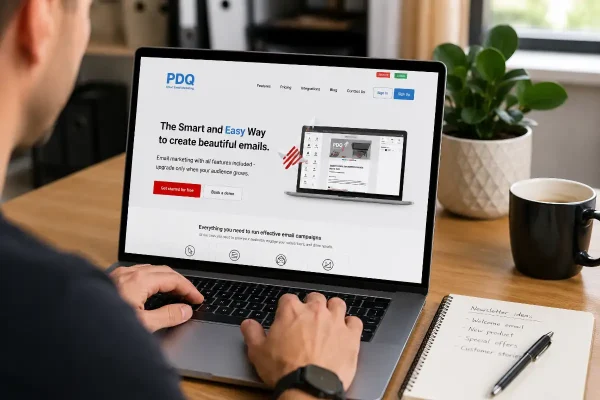
PDQ makes it easy to add subscribers from your website forms to newsletter lists without messy exports or costly platforms.

Help January customers choose with confidence by aligning your products with what they want at the start of a new year.
