

Blog

Your Contact Page Should Feel Like an Open Door
Many websites lose leads on the contact page. Uncover the most common mistakes and how to design a page that builds confidence and action.

Many Canberra small business owners struggle with expensive, complicated websites that fail to attract customers. You need an affordable, user-friendly online presence that actually works for your local market. This guide shows you how to prepare, build, and optimise a WordPress website tailored for Canberra businesses, helping you convert visitors into paying customers without breaking the budget or needing technical expertise.
| Point | Details |
|---|---|
| WordPress popularity | WordPress powers over 43 percent of websites globally and provides flexibility that suits Canberra small businesses. |
| Canberra hosting benefits | Choosing Canberra based hosting improves loading times for locals, offers timezone aligned support, and helps meet local data rules. |
| Structured build process | Follow a clear step by step process from domain registration to site launch to avoid skipped steps. |
| Local optimisation matters | Tune SEO and content to target Canberra searches so locals can find your business easily. |
Before building your website, you need the right foundation. Think of it like renovating a shopfront: you wouldn’t start without knowing your tools, budget, and timeline. The same applies to creating an effective online presence for your Canberra business.
Your essential toolkit includes a domain name that reflects your business, reliable hosting that keeps your site accessible, and WordPress itself as your building platform. WordPress powers over 43% of websites globally because it offers unmatched flexibility for local businesses, from mechanics to cafes to professional services. You can start simple and scale as your business grows, adding features like online booking or e-commerce without rebuilding from scratch.
Choosing local hosting matters more than most business owners realise. Canberra-based hosting provides faster loading speeds for your local customers, better support during Australian business hours, and compliance with local data regulations. When your site goes down at 9am on a Monday, you want someone in your timezone who understands your urgency. WordPress hosting advantages include managed security updates, automatic backups, and optimised server configurations that keep your site running smoothly.
Here’s what you need to gather before starting:
| Requirement | Basic site | Advanced site |
|---|---|---|
| Domain name | Required | Required |
| Hosting plan | Shared hosting | Managed WordPress hosting |
| Theme | Free or premium | Custom designed |
| Plugins | 5 to 10 essential | 10 to 15 specialised |
| Content pages | 5 to 7 pages | 10 plus pages |
| Setup time | 2 to 4 weeks | 6 to 8 weeks |
Pro Tip: Select hosting providers offering Canberra-specific support and Australian data centres. This ensures faster local performance and someone who understands your business context when you need help.
Building your WordPress site follows a logical sequence. Each step builds on the previous one, creating a solid foundation for your online presence. Skip steps and you risk a wobbly structure that frustrates customers and wastes your investment.
Selecting the right theme shapes your entire website experience. Your theme controls layout, colours, typography, and overall visual appeal. Free themes work for basic sites, but premium themes offer better support, regular updates, and more customisation options. Look for themes specifically designed for your industry, whether that’s trades, retail, professional services, or hospitality.
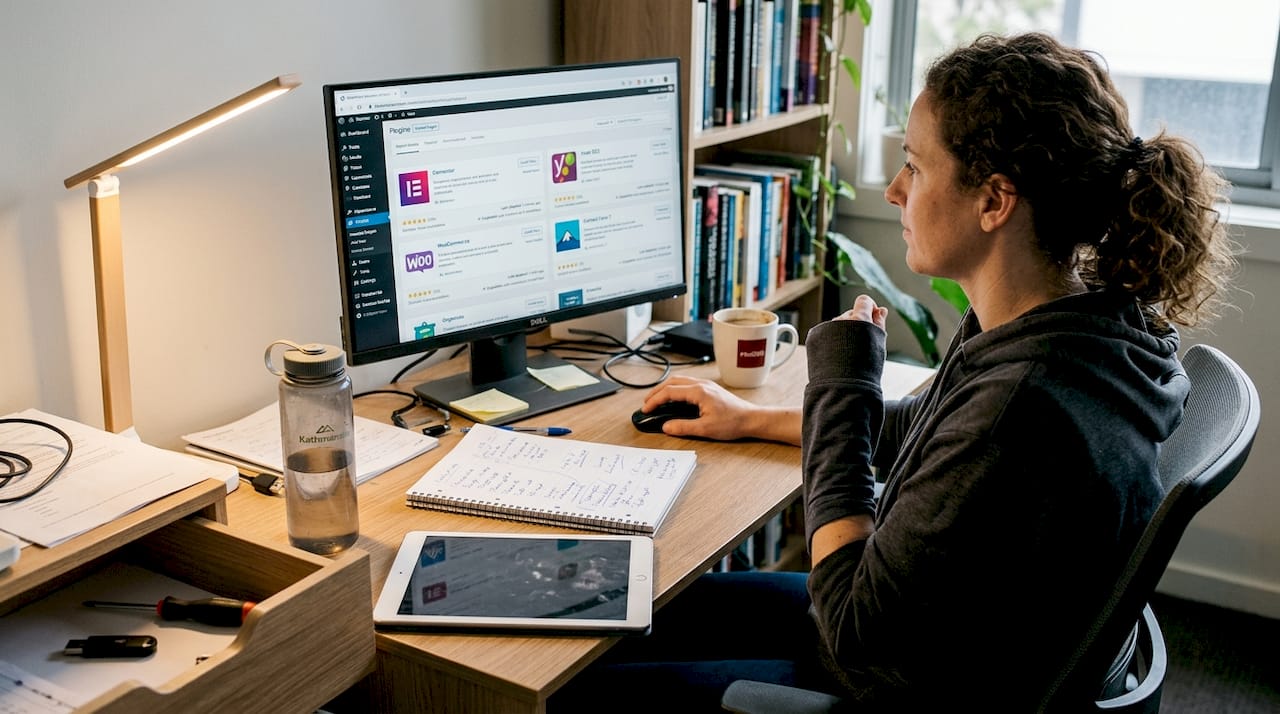
Essential plugins extend WordPress functionality without custom coding. You need security plugins to protect against hackers, SEO plugins to improve search rankings, caching plugins for faster loading, and backup plugins to prevent data loss. However, too many plugins slow your site and create conflicts. The custom WordPress development process often includes building custom functionality instead of relying on bloated plugins.
Localised content makes the difference between a generic website and one that connects with Canberra customers. Mention specific suburbs you serve like Queanbeyan, Googong, or Belconnen. Reference local landmarks, events, or community involvement. Use Australian spelling and terminology throughout. Include your physical address and local phone number prominently. These signals tell both customers and search engines you’re a genuine local business.
Key considerations when building your site:
Pro Tip: DIY builds are cheaper initially but often cause costly errors and missed leads. Hiring Canberra locals reduces underperformance by 40% because they understand local market expectations and technical requirements. Sometimes the cheapest option costs more in lost opportunities.
Working with custom plugin development solutions becomes necessary when off-the-shelf plugins don’t match your specific business processes. Custom development integrates your website with existing systems like booking software, inventory management, or customer databases, creating seamless workflows that save time and reduce errors.
Building your site is only half the journey. Optimisation transforms a functional website into a customer-generating machine. Small improvements in speed, user experience, and content quality compound over time, dramatically improving your results.
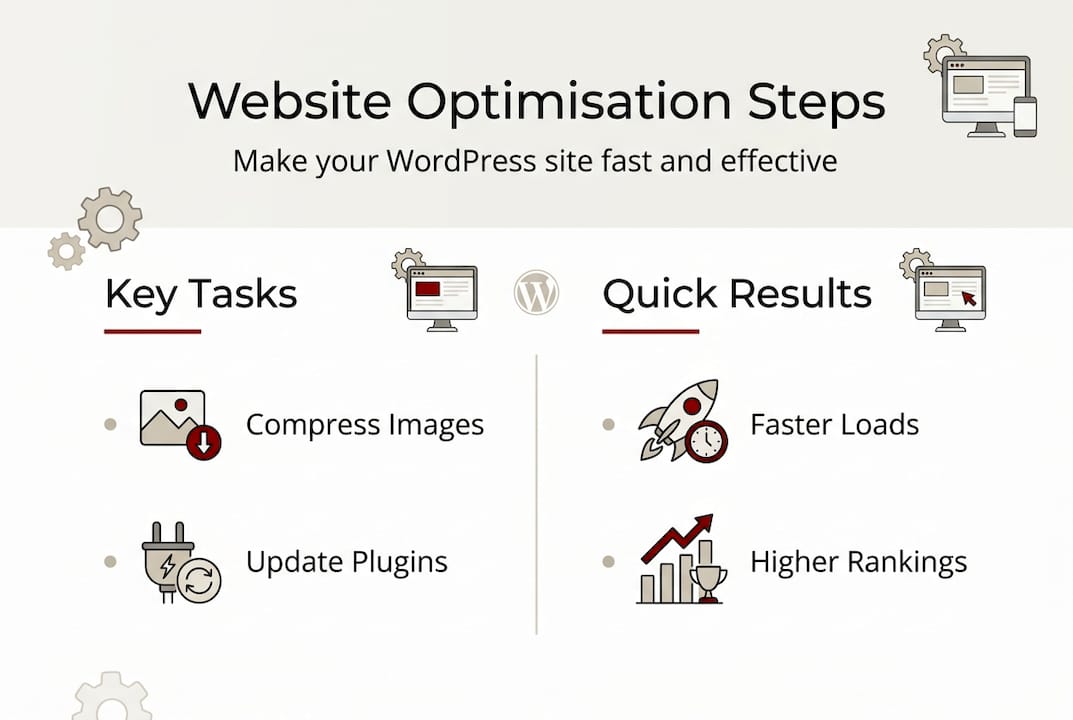
Loading speed impacts everything from customer satisfaction to search rankings to sales conversions. Research shows optimisation reduced load time from 35 seconds to 3 seconds and increased sales by 357% through CDN implementation and plugin reduction. Every second of delay costs you customers who bounce to competitors. Canberra customers expect fast, responsive websites just like city businesses anywhere else.
| Poor website | Optimised website |
|---|---|
| 35 second load time | 3 second load time |
| 15 plus plugins active | 8 essential plugins |
| Uncompressed images | Compressed, optimised media |
| No caching enabled | Full page caching |
| Shared overseas hosting | Local managed hosting |
| 2% conversion rate | 9% conversion rate |
Media management significantly affects performance. Large, unoptimised images slow your site to a crawl. Compress all images before uploading, use modern formats like WebP when possible, and implement lazy loading so images only load when visitors scroll to them. Videos should be hosted on YouTube or Vimeo rather than directly on your server, which saves bandwidth and improves reliability.
Plugin count matters more than most realise. Each plugin adds code that must load on every page view. Audit your plugins quarterly, removing anything you don’t actively use. Look for plugins that combine multiple functions rather than installing separate plugins for each small feature. Quality beats quantity every time.
Ongoing maintenance tasks keep your site secure and efficient:
Speed optimisation isn’t just technical tweaking. It’s about respecting your customers’ time and removing friction from their journey to becoming paying clients. Every improvement compounds into better business results.
Pro Tip: Using a CDN (Content Delivery Network) and offloading media to cloud storage gives Canberra businesses a significant advantage. Your site loads faster for customers across Australia while reducing server costs and improving reliability during traffic spikes.
The importance of website support becomes clear when something breaks at the worst possible time. Professional support plans include monitoring, updates, security scans, and rapid response when issues arise, protecting your online revenue stream.
Most website failures stem from preventable mistakes. Understanding these pitfalls helps you avoid wasting money and losing customers to easily fixed problems.
Slow loading speed tops the list of website killers. Customers abandon sites that take more than three seconds to load. Common causes include oversized images, too many plugins, poor hosting, and lack of caching. Test your speed regularly and address issues immediately. Remember that DIY errors cause up to 40% underperformance and missed leads, making professional help a worthwhile investment.
Poor SEO setup means customers can’t find you through Google searches. Many business owners launch websites without basic SEO configuration like meta descriptions, proper heading structure, or local business schema markup. Your Canberra location should be prominent in your content, titles, and technical SEO settings. Local search drives significant business for small companies, so optimising for it pays immediate dividends.
Neglecting security invites disaster. WordPress sites face constant attack attempts from automated bots. Without proper security measures like strong passwords, two-factor authentication, security plugins, and regular updates, your site becomes vulnerable to hacking, malware, and data breaches. Security isn’t optional; it’s essential protection for your business reputation.
Common mistakes and quick fixes:
Troubleshooting starts with systematic diagnosis. When something breaks, check recent changes first. Did you update a plugin? Change a setting? Add new content? Most problems trace to recent modifications. Disable plugins one by one to identify conflicts. Switch to a default theme temporarily to rule out theme issues. Check your error logs for specific technical messages that pinpoint problems.
Applying proven website design tips for Canberra SMBs helps avoid many common mistakes from the start. Good design isn’t about looking pretty; it’s about guiding customers smoothly from initial interest to taking action, whether that’s calling, booking, or buying.
Building an effective WordPress website takes expertise, time, and local market knowledge. You’ve learned the fundamentals, but executing them perfectly while running your business creates real challenges.
Asporea Digital specialises in fixed-price, custom WordPress packages designed specifically for Canberra small businesses. We understand the local market because we’re part of it, serving Queanbeyan, Googong, and surrounding areas with websites that actually generate revenue. Our custom WordPress development process eliminates the guesswork and costly mistakes that plague DIY builds.

Our experts reduce the errors common in DIY website projects by handling everything from initial strategy through launch and ongoing support. We provide security hardening following our comprehensive WordPress security guide, performance optimisation that delivers measurable speed improvements, and e-commerce integration using our proven WooCommerce approach for Canberra businesses. Using local Canberra developers means face-to-face meetings, understanding your specific customer base, and support during Australian business hours when you need it most.
Costs vary significantly based on complexity and approach. DIY builds using free themes cost only hosting fees of around $10 to $30 monthly but risk the costly errors and underperformance that lose customers. Custom local builds typically range from $2,000 to $8,000 depending on features, delivering professional results that perform reliably. Fixed-price packages from Canberra providers offer clear scope and predictable budgets, eliminating surprise costs.
Typical timelines range from four to eight weeks depending on complexity and customisation requirements. Simple brochure sites with standard features launch faster, while e-commerce sites or custom integrations need more development time. Working with local Canberra developers shortens feedback loops and speeds delivery because you can meet face-to-face, clarify requirements quickly, and make decisions without timezone delays.
You can absolutely manage content updates yourself, including adding blog posts, updating service information, and changing images. WordPress provides an intuitive interface for these tasks. However, technical maintenance like security updates, performance optimisation, and troubleshooting often requires expertise. Local support providers for WordPress offer maintenance plans ensuring optimal performance while you focus on running your business.
E-commerce makes sense if you sell physical products, digital downloads, or bookable services online. Many Canberra businesses benefit from simple online booking or appointment scheduling rather than full shopping carts. Evaluate whether your customers want to purchase online or prefer calling and visiting in person. Start simple and add e-commerce later if customer demand justifies the investment.
Local SEO requires consistent business information across your website and directory listings, location-specific content mentioning Canberra suburbs you serve, customer reviews on Google My Business, and proper technical setup including local business schema markup. Regular blog content addressing customer questions helps establish expertise and improves rankings over time. Local SEO is a marathon, not a sprint, requiring ongoing effort for sustained results.

Many websites lose leads on the contact page. Uncover the most common mistakes and how to design a page that builds confidence and action.
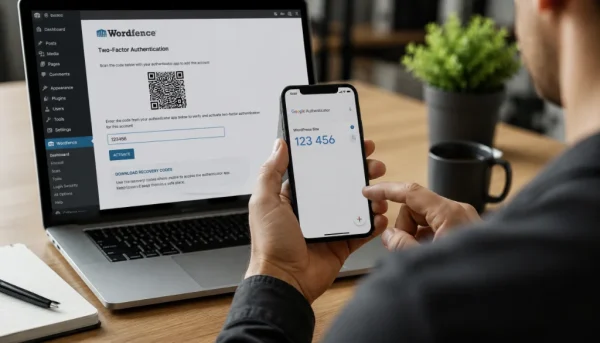
Protect your WordPress login with Wordfence 2FA, Google Authenticator and backup codes to reduce the risk of unwanted access.

Serialisation can help authors prove reader interest to publishers before a novel is published by releasing serialised chapters through WordPress and PDQ, with a simple
