

Blog

Contact Form Replies That Stop Leads Going Cold
Stop getting silence after you hit send. Use an AI Assisted Automated Response that reflects the enquiry and buys time properly.

Many Canberra entrepreneurs struggle to create affordable, professional WordPress websites that balance ease, cost, and customisation. Common setup mistakes cause 40% of small business sites to underperform, leading to lost opportunities and wasted investment. This guide delivers clear, step-by-step instructions to build or commission effective WordPress sites in 2026, supporting e-commerce and custom development needs without technical confusion.
| Point | Details |
|---|---|
| Foundation matters | Proper planning and local managed hosting create a solid base for your WordPress website. |
| Speed to launch | Drag-and-drop WordPress setups enable site launches in under 15 minutes for simple needs. |
| E-commerce scaling | WooCommerce powers scalable online stores with clear tradeoffs between DIY and professional help. |
| Avoid failures | Plugin overload and skipping staging sites cause preventable crashes and slow performance. |
| Local advantage | Canberra support reduces project revisions and accelerates problem resolution through face-to-face service. |
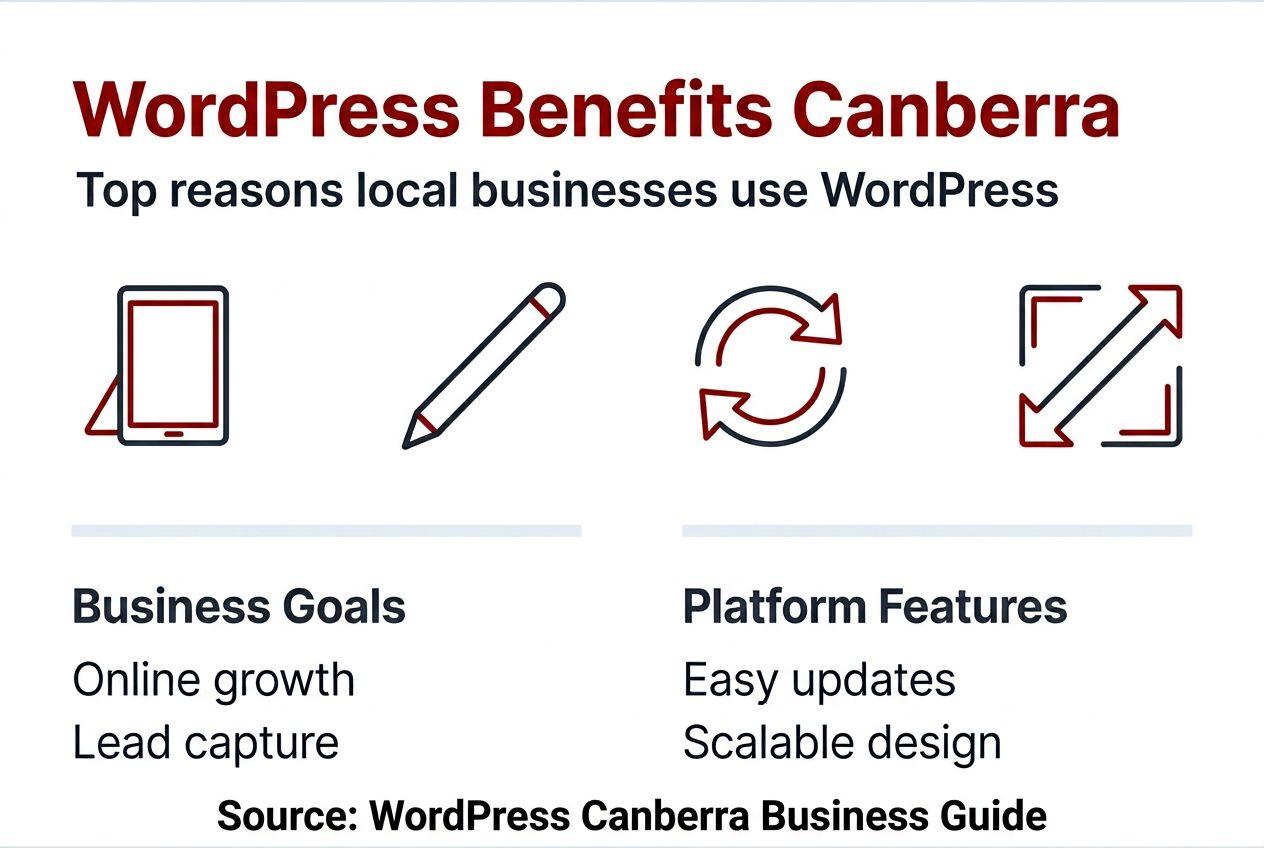
Having understood the local problem, now see why WordPress is the best platform solution. WordPress powers over 43% of all websites globally, making it the most trusted platform for small business websites. The software is free and open-source, supported by a vast community of developers and users who constantly improve its capabilities.
Canberra small businesses benefit from WordPress’s flexibility and scalability. You can start with a simple brochure site and expand into complex e-commerce stores as your business grows. The platform offers thousands of themes and plugins designed specifically for local business needs, from booking systems to membership portals.
Here’s why WordPress works for Canberra entrepreneurs:
The Canberra small business website guide shows how local businesses leverage WordPress to compete effectively online. Whether you need a portfolio, service booking system, or online store, WordPress adapts to your specific requirements without forcing you into rigid templates.
With WordPress established as the ideal platform, now prepare everything essential before building. Proper preparation prevents costly redesigns and reduces development time significantly.
Choose a domain name that reflects your brand and appeals to your Canberra audience. A .com.au extension signals local presence and builds trust with Australian customers. Keep the name short, memorable, and easy to spell.
Select managed WordPress hosting that includes SSL certificates for security and staging environments for safe testing. These features protect your site and let you preview changes before they go live. Local Canberra hosting providers offer faster support response times and understand regional business needs.
Prepare your brand assets before starting development:
Define your website’s primary goals and target audience clearly. Are you generating leads, selling products, or building brand awareness? Clear website purpose and prepared content reduce design time by up to 50% and prevent expensive rewrites during development.
Staging sites help you safely preview design changes, plugin updates, and content modifications without affecting your live website. This preview environment is essential for maintaining reliability as your site evolves.
Pro Tip: Create a simple content brief outlining your three main business services and target customer pain points. This clarity speeds theme selection and layout decisions dramatically.
After preparing all essentials, follow this clear build process to get your site live. The WordPress installation and setup process follows a logical sequence that even non-technical business owners can understand.
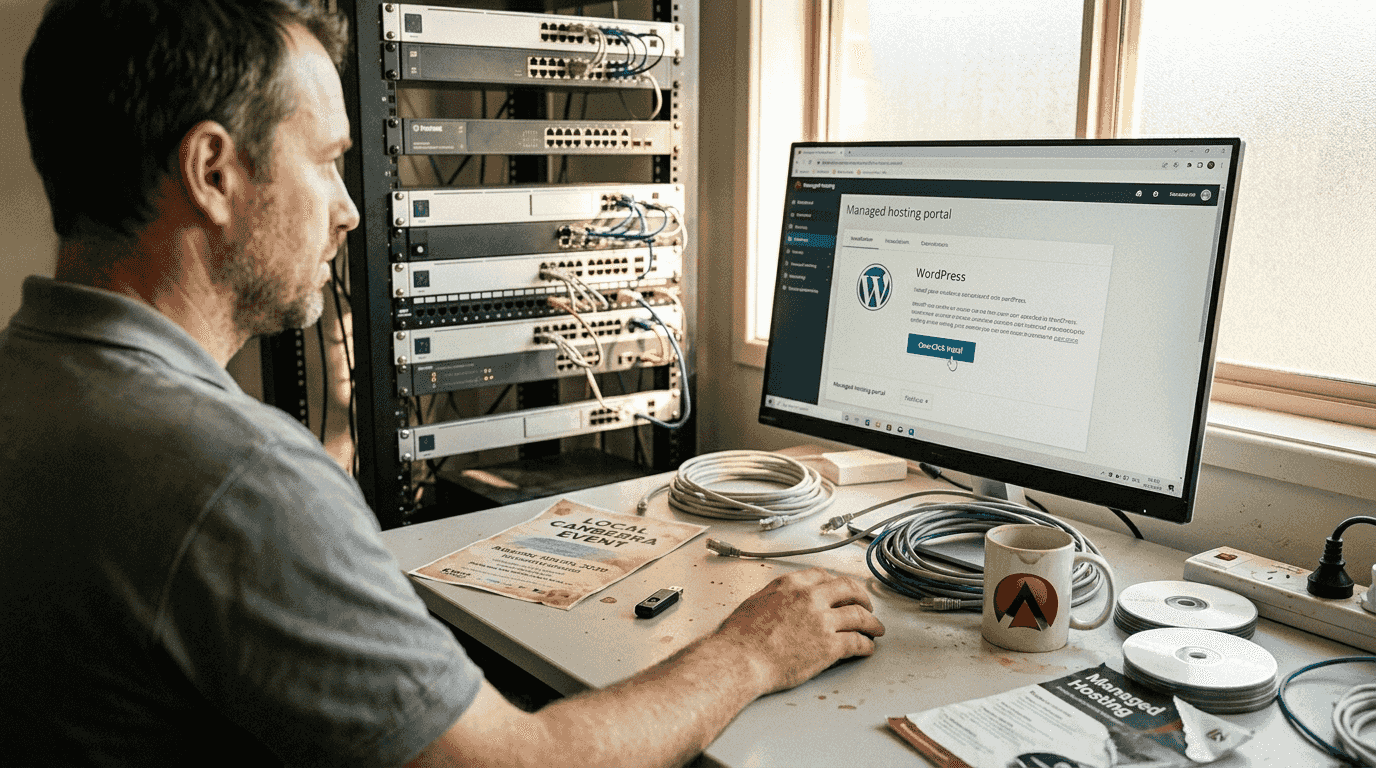
Use WordPress.org software with self-hosted setup on your managed hosting account. Most quality hosts provide one-click WordPress installation that completes in seconds. This gives you full control compared to limited WordPress.com plans.
Select a lightweight, customisable theme suited to your business sector. Avoid bloated themes packed with features you’ll never use. Clean, fast-loading themes provide better user experience and search engine performance.
Follow these build steps systematically:
Building simple WordPress websites takes under 15 minutes using drag-and-drop page builders, although full custom development requires more time. Page builders let you visually arrange content blocks without touching code.
The WordPress website setup guide provides detailed instructions for each step. If your needs exceed basic setup or require complex customisation, engage local Canberra developers who understand regional business requirements and can meet face-to-face.
Pro Tip: Install a backup plugin immediately after WordPress setup. Automated daily backups protect against data loss from hosting failures, plugin conflicts, or security breaches.
Consider fixed price web design options if you prefer professional development with predictable costs. Clear pricing eliminates budget uncertainty and ensures quality results.
Once your basic site is ready, consider e-commerce and custom development to expand functionality. WordPress scales from simple information sites to sophisticated online stores through strategic plugin selection and custom code.
WooCommerce is the recommended plugin for scalable small business e-commerce. This free plugin transforms WordPress into a complete online store with product catalogues, shopping carts, payment processing, and inventory management. Over 5 million websites use WooCommerce for reliable online sales.
Evaluate these development approaches:
| Approach | Advantages | Limitations | Best For |
|---|---|---|---|
| DIY Setup | Low upfront cost, full control, immediate start | Limited features, technical challenges, time investment | Simple stores, low SKU counts, tech-comfortable owners |
| Professional Development | Custom features, automation, expert design, ongoing support | Higher initial cost, longer timeline | Complex needs, integrations, scaling businesses |
DIY e-commerce setups work well for straightforward product catalogues with standard payment processing. You’ll save money initially but may lack sophisticated features like custom reporting, automated workflows, or advanced shipping calculations.
Professional custom development delivers automation and tailored solutions that match your exact business processes. Custom plugins can integrate with your accounting software, automate inventory updates, or create unique customer experiences. This approach increases cost and development time but provides competitive advantages.
Align your development approach with business goals and technical capacity. A $50,000 monthly revenue business justifies professional custom development more easily than a startup testing product-market fit. Consider your growth timeline and technical skills honestly.
Local Canberra developers provide face-to-face collaboration and understand regional market dynamics. This proximity accelerates communication and reduces misunderstandings that cause costly revisions. Browse fixed price WordPress packages to understand local development costs and deliverables.
For Canberra businesses exploring e-commerce, review WooCommerce integration tips covering payment gateways, shipping configurations, and product management strategies.
After setting up e-commerce and custom features, avoid common errors that could harm your site’s success. Even experienced WordPress users make preventable mistakes that damage performance and user experience.
Unnecessary plugins and themes reduce loading speed by 40%, directly impacting user experience and search rankings. Every plugin adds code that browsers must load and execute. Keep only essential plugins that deliver clear business value.
Follow these prevention strategies:
Mobile responsiveness affects over 60% of website traffic in 2026. Test your site thoroughly on smartphones and tablets before launch. Poor mobile experience drives potential customers to competitors instantly.
Staging environments prevent disasters. Never update plugins or WordPress core directly on your live site. Test changes in staging first, verify everything works correctly, then deploy to production. This workflow prevents downtime and visitor-facing errors.
Pro Tip: Create a simple spreadsheet listing every installed plugin, its purpose, and last update date. Review this quarterly and remove plugins you’re not actively using.
Regular audits maintain security and performance. Check for outdated plugins monthly and update them in staging before deploying to production. Hackers target outdated WordPress installations aggressively.
“The difference between a reliable WordPress site and a problematic one often comes down to disciplined maintenance habits. Regular updates, staged testing, and plugin audits prevent 90% of common WordPress problems.”
Learn more through WordPress maintenance Canberra services that handle these tasks systematically, freeing you to focus on business operations.
Understanding common pitfalls prepares you to set achievable goals and evaluate your website’s success. Realistic expectations prevent frustration and help you allocate appropriate resources for WordPress development.
Basic sites launch in under 15 minutes with page builders for simple needs. Professional custom builds require 2 to 6 weeks depending on complexity. E-commerce sites with custom features typically need 4 to 8 weeks for proper development and testing.
Managed hosting costs typically range from $20 to $30 per month for small business websites. This includes security, backups, SSL certificates, and technical support. Premium hosting with enhanced performance features may cost $50 to $100 monthly.
| Timeline | Cost Range | Deliverables | Suitable For |
|---|---|---|---|
| 1 day | $0-$500 | DIY setup, basic theme, essential plugins | Information sites, portfolios |
| 1-2 weeks | $1,500-$3,500 | Professional design, custom layouts, basic features | Service businesses, consultants |
| 4-8 weeks | $3,500-$8,000 | Custom development, e-commerce, integrations | Online stores, complex businesses |
Key success metrics include site loading under 3 seconds, mobile-friendly design across all devices, and measurable increases in enquiries or orders. Track these indicators monthly to assess website performance.
Hiring local specialists reduces revisions by approximately 30% compared to remote developers. Face-to-face meetings clarify requirements quickly and prevent misunderstandings that cause rework. This efficiency often justifies slightly higher local rates.
Monitor conversion rates, average session duration, and bounce rates through analytics. These metrics reveal whether your website effectively engages visitors and drives business results. Poor metrics indicate design or content problems requiring attention.
The fixed price web design guide explains how predictable pricing structures help Canberra businesses budget confidently for WordPress development.
With your site launched, local hosting and maintenance keep your website running reliably and aligned with your goals. WordPress requires ongoing attention to maintain security, performance, and functionality as software evolves.
Local hosting reduces support response times by 50% compared to international providers. When technical issues arise, immediate support minimises downtime and revenue loss. Local providers understand Australian business hours and regulatory requirements.
Face-to-face collaboration reduces costly project revisions by up to 30%. Meeting in person clarifies complex requirements that email exchanges often confuse. This personal connection builds trust and ensures your website accurately represents your business vision.
Staging sites improve stability by 25% during updates and plugin installations. Preview all changes safely before deploying to your live website. This testing workflow prevents visitor-facing errors and maintains professional appearance.
Ongoing maintenance delivers these benefits:
Local Canberra providers understand regional market specifics affecting your website strategy. They know local competitors, seasonal business patterns, and community preferences. This knowledge informs better design and functionality decisions.
“Choosing a local WordPress partner isn’t just about proximity. It’s about working with someone who understands Canberra’s business landscape, can meet face-to-face when needed, and responds quickly during critical situations.”
Explore local WordPress support options that combine hosting, maintenance, and development services. Consolidated providers simplify vendor management and ensure consistent quality across all website needs.
Comprehensive WordPress maintenance services handle security updates, performance optimisation, and technical troubleshooting systematically, protecting your investment long-term.
Discover how local expertise like Asporea Digital can help you build and maintain your WordPress site effectively. After understanding the complete WordPress development process, partnering with experienced local specialists accelerates success and reduces technical headaches.

Asporea Digital offers cost-effective fixed price WordPress packages designed specifically for Canberra small businesses. Transparent pricing eliminates budget uncertainty and ensures you receive exactly what your business needs without hidden costs or scope creep.
Local, personalised face-to-face service reduces project revisions and accelerates launch timelines. Meeting in person clarifies requirements quickly and builds stronger working relationships than remote collaboration ever achieves.
Managed hosting and ongoing maintenance ensure your website remains secure, fast, and reliable. Expert monitoring identifies problems before they affect visitors, protecting your professional reputation and business continuity.
Custom development supports your unique e-commerce needs, complex integrations, and business automation requirements. Whether you need WooCommerce customisation or specialised functionality, experienced developers deliver solutions that work reliably.
Partner with a trusted Canberra team committed to making your WordPress website a genuine business asset. Comprehensive support from strategy through launch and beyond means you’re never alone navigating technical challenges. Learn more about WordPress security for small businesses to protect your investment properly.
Typical basic WordPress sites can be built in under 15 minutes using drag-and-drop page builders like Elementor. These simple setups work well for information websites, portfolios, and straightforward service businesses needing online presence quickly.
Professional custom builds require 2 to 6 weeks depending on complexity, features, and e-commerce requirements. Sites with custom development, WooCommerce integration, or specialised functionality need thorough planning, design, development, and testing phases. Using local Canberra developers helps reduce project revisions through clear face-to-face communication. Review the fixed price web design guide for detailed timeline expectations.
Local hosting reduces support response times by 50% compared to international providers, ensuring faster problem resolution when technical issues arise. Personalised face-to-face service tailored for Canberra businesses reduces project revisions by 30% through clearer communication and better requirement understanding.
Local providers understand regional market needs, business patterns, and Australian regulatory requirements affecting your website. This knowledge improves strategic decisions around functionality, design, and user experience. Explore WordPress maintenance Canberra options for comprehensive local support.
Use only essential plugins covering core functionality like security, SEO, caching, and specific business features. Every additional plugin increases loading times and potential security vulnerabilities without adding corresponding value.
Test mobile responsiveness thoroughly on actual smartphones and tablets, not just browser developer tools. Real device testing reveals issues that simulation misses, ensuring excellent user experience for your mobile visitors.
Always use staging sites before implementing updates, plugin changes, or design modifications. Testing changes safely before deploying to your live website prevents downtime, errors, and poor visitor experiences. Learn more through WordPress maintenance tips that prevent common problems systematically.
Managed WordPress hosting typically costs $20 to $30 per month for small business websites. This includes essential features like SSL certificates, automated backups, security monitoring, and technical support from the hosting provider.
Premium hosting with enhanced performance, staging environments, and advanced security features ranges from $50 to $100 monthly. Higher-tier plans suit businesses with significant traffic, complex e-commerce operations, or mission-critical website functionality requiring maximum reliability and speed.
DIY WordPress builds work well if you have technical comfort, limited budget, and straightforward requirements like simple information sites or basic portfolios. Page builders make layout creation accessible to non-developers, enabling quick launches.
Hire professional developers when you need custom features, e-commerce functionality, complex integrations, or lack time for learning WordPress deeply. Professional development ensures proper security implementation, mobile optimisation, and scalable architecture supporting business growth. Local Canberra professionals provide face-to-face collaboration that reduces misunderstandings and accelerates project completion.

Stop getting silence after you hit send. Use an AI Assisted Automated Response that reflects the enquiry and buys time properly.

Know exactly what’s included in a professional website build, what costs extra, and how to avoid surprise fees, and vague promises.

A newsletter keeps you in touch with interested visitors. Stay useful, stay remembered, and bring people back to your website when they’re ready.
