

Blog

When Meta Cuts You Off, What Happens to Your Business?
What happens if Meta cuts off your Facebook or Instagram tomorrow? Why your website should be the centre of your business, not social media.

Most Canberra small businesses launch their websites using generic WordPress templates that look decent initially but quickly reveal limitations when you need custom features, faster performance, or e-commerce capabilities. Custom WordPress development transforms your site from a basic online presence into a powerful business tool tailored to your exact requirements. This guide walks you through the complete process, from initial planning to launch and ongoing maintenance, specifically for Canberra businesses ready to scale.
| Point | Details |
|---|---|
| Custom development enables growth | Template sites limit scalability, while custom builds align precisely with your business goals and support e-commerce expansion. |
| Preparation prevents costly mistakes | Clear planning, architecture decisions, and early security setup save time and money during development. |
| WooCommerce powers e-commerce | Custom WooCommerce integration creates a robust online store tailored to your products, payments, and shipping needs. |
| Verification ensures quality | Thorough testing, security audits, and ongoing maintenance keep your site performing reliably as your business grows. |
| Expert support adapts with you | Professional developers provide architectural guidance and managed updates that scale with changing business requirements. |
WordPress powers over 43% of all websites, making it the dominant platform globally. However, most businesses rely on pre-built templates that seem convenient but create serious obstacles when you need genuine customisation or business-specific functionality.
Template-based sites work adequately for basic brochure websites, but they struggle when your business needs unique features, faster load times, better SEO control, or seamless e-commerce integration. You end up wrestling with plugin conflicts, performance bottlenecks, and design limitations that prevent your site from truly representing your brand or supporting your growth plans.
Custom WordPress development solves these problems by building your site from the ground up with your specific business requirements driving every decision. Instead of forcing your business into a template’s constraints, you get precisely what you need without unnecessary bloat or compromises.
Typical template limitations include:
Canberra small business owners benefit enormously from tailored solutions that match their specific industry, target audience, and growth trajectory. Whether you run a local cafe, professional service, or retail shop, custom development creates the exact platform your business deserves.
Successful custom WordPress development starts well before any code gets written. Clear planning and thorough preparation determine whether your project delivers genuine business value or becomes a frustrating expense.
Begin by defining specific project goals tied to measurable business outcomes. Rather than vague objectives like “better website,” identify concrete needs such as reducing checkout abandonment, improving mobile conversions, or integrating with your existing booking system. These clear goals guide every development decision.
WordPress should be treated as an application platform, not just a website engine, with distinct layers for API, routing, and content. Deciding on your site’s architecture early prevents expensive redesigns later. Consider whether a traditional monolithic setup suits your needs or whether a decoupled headless architecture offers better scalability for your growth plans.
Essential preparations before development include:
| System | Purpose | Examples |
|---|---|---|
| Hosting | Fast, secure server environment | Managed WordPress hosts, VPS solutions |
| SSL Certificate | Encrypted customer data protection | Let’s Encrypt, commercial certificates |
| Payment Gateway | Process online transactions | Stripe, PayPal, Square |
| Email Service | Transactional notifications | SendGrid, Amazon SES |
| Backup Solution | Automated site recovery | UpdraftPlus, VaultPress |
Security considerations deserve emphasis from day one, not as afterthoughts. Implementing proper user roles, secure authentication, and regular backup schedules protects your business data and customer information from the start.
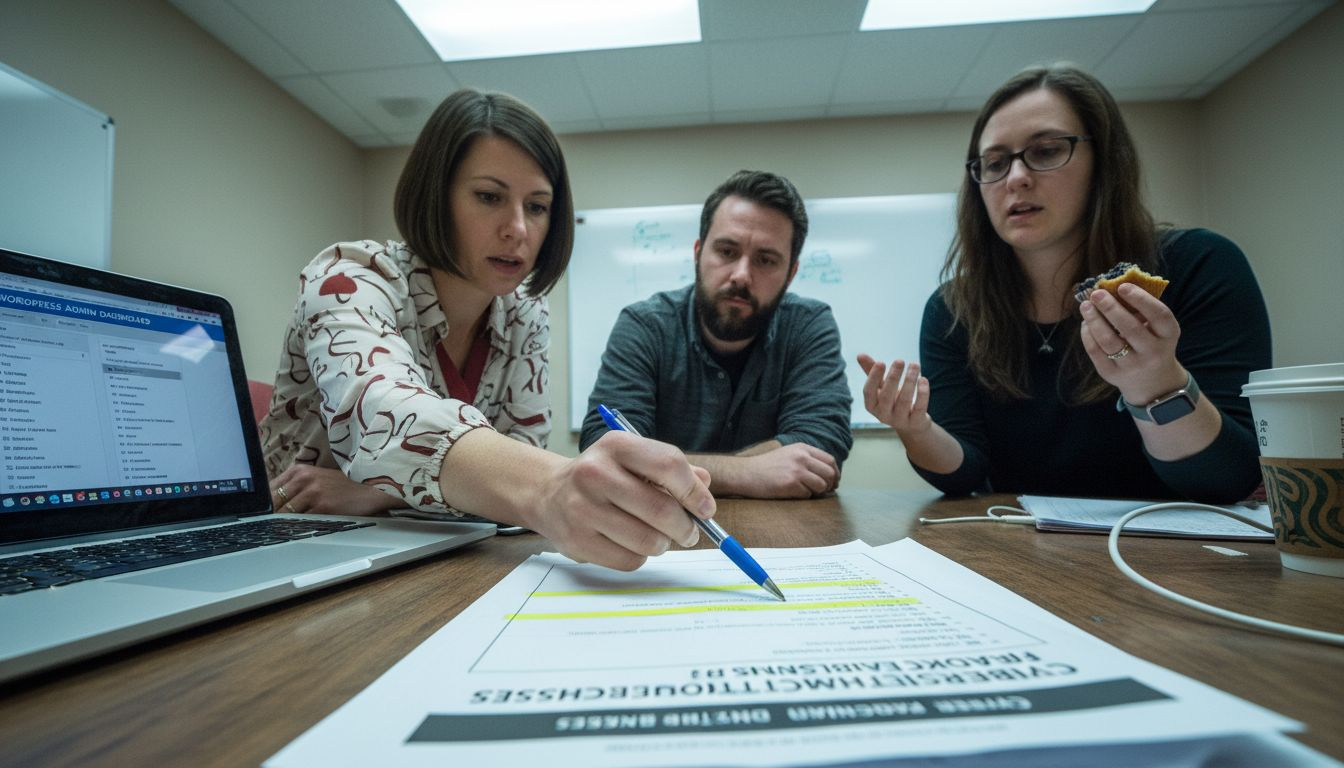
Pro Tip: Engage an experienced WordPress developer during planning phases to validate your architectural choices and identify potential complications before they become expensive problems requiring redesigns.
Thoughtful preparation also involves understanding which features require custom plugin development versus existing solutions. Not everything needs building from scratch, but knowing when custom code delivers better value than third-party plugins saves money and improves performance.
Once planning finalises, the actual development process follows a structured sequence ensuring nothing gets overlooked and each component integrates smoothly.
WooCommerce transforms WordPress into a powerful e-commerce platform, enabling businesses of all sizes to sell products and services online. Proper WooCommerce configuration requires attention to product catalogues, inventory management, shipping logistics, and payment processing.
Core tasks in the initial setup phase include foundational security, logistics configuration, product catalogue creation, payment gateway integration, and essential plugin integration. Each element connects to create a cohesive shopping experience.
| WooCommerce Feature | Business Benefit | Essential Plugins |
|---|---|---|
| Product variations | Sell items in multiple sizes, colours, or configurations | WooCommerce core |
| Payment gateways | Accept credit cards, PayPal, bank transfers | Stripe, PayPal |
| Shipping zones | Calculate accurate delivery costs by location | WooCommerce Shipping |
| Inventory tracking | Prevent overselling and manage stock levels | WooCommerce core |
| Order management | Process, fulfil, and track customer purchases | WooCommerce core |
| Email notifications | Keep customers informed throughout purchase journey | WooCommerce core |
Website security implementation begins during initial setup, not as an afterthought. Configure automated security scanning, implement proper file permissions, and establish monitoring for suspicious activity.
Pro Tip: Test your complete checkout process thoroughly before launch, including payment processing, email notifications, and order confirmations, to identify friction points that increase cart abandonment and reduce conversions.
Custom development allows precise control over every customer touchpoint, from product discovery through checkout completion. Unlike template sites forcing compromises, you design each interaction supporting your specific business model and customer expectations.
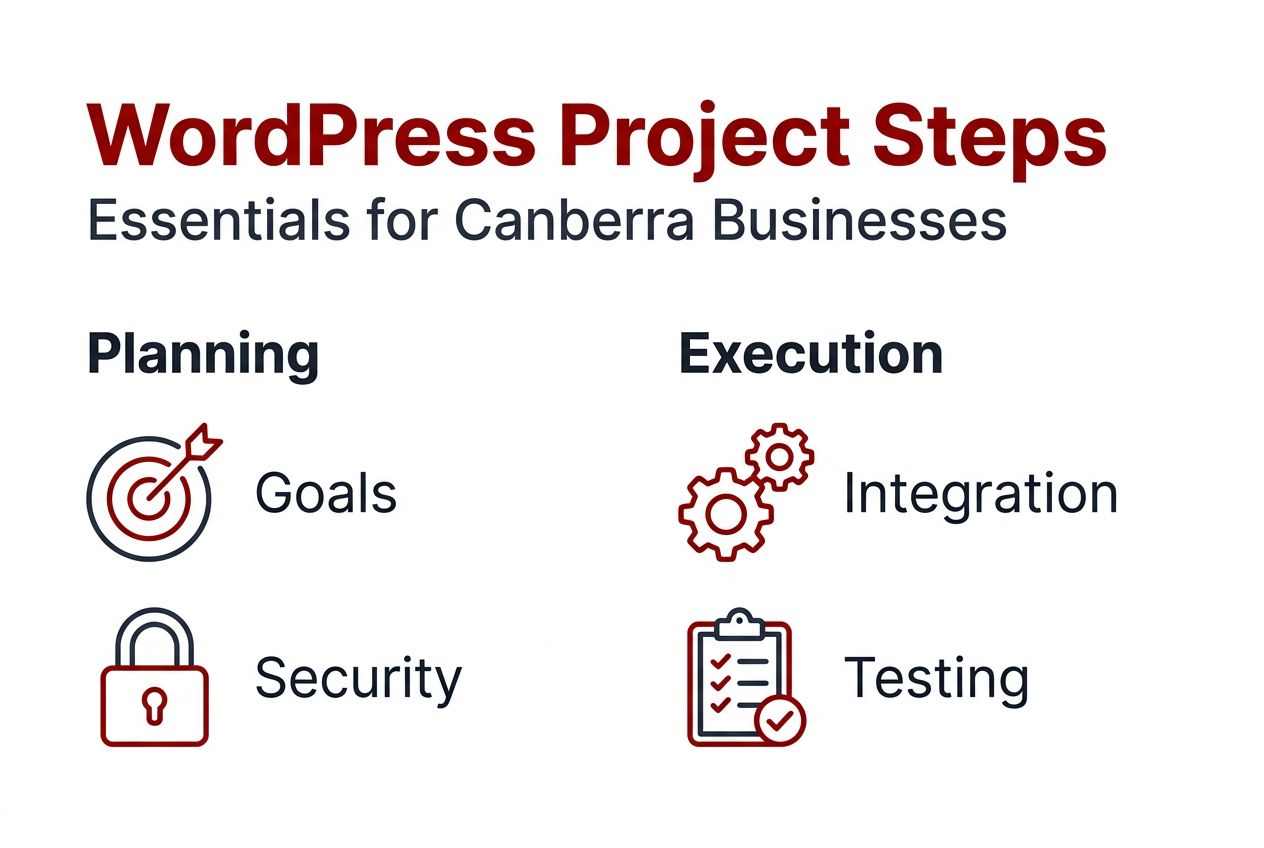
Launching your custom WordPress site marks the beginning of ongoing optimisation, not the end of development work. Thorough verification ensures quality while consistent maintenance preserves performance and security as your business grows.
Comprehensive quality assurance testing covers multiple dimensions. Check responsive design across phones, tablets, and desktop computers. Verify page load speeds meet performance benchmarks. Test all forms, buttons, and interactive elements. Confirm checkout flows work flawlessly with different payment methods. Review SEO foundations including metadata, structured data, and XML sitemaps.
Monitor your new site closely during the first weeks after launch, watching for plugin conflicts, unexpected errors, or user experience issues customers report. Many problems only surface under real-world usage conditions impossible to replicate during development.
Common mistakes to avoid post-launch include:
Enterprise WordPress implementations often fail due to architectural decisions, not WordPress itself. Maintaining architectural discipline as you add features prevents the technical debt that eventually requires expensive rebuilds.
Managed updates provide critical protection by keeping your site current with security patches, compatibility improvements, and performance enhancements. Regular professional maintenance costs far less than recovering from security breaches or fixing sites broken by incompatible updates.
Custom WordPress development represents an evolving process adapting continuously with your business growth, not a one-time project. As your needs change, your site should expand with new features, improved functionality, and enhanced customer experiences. Ongoing support ensures your investment continues delivering value year after year.
Building a custom WordPress site that genuinely supports your business goals requires expertise spanning design, development, security, and e-commerce integration. Asporea Digital specialises in creating tailored WordPress solutions for Canberra small businesses, transforming your vision into high-performing websites that drive real results.

Our fixed-price packages eliminate budget uncertainty while delivering custom design, WooCommerce integration, and robust security foundations. We handle everything from initial planning through launch and provide ongoing managed updates keeping your site secure and optimised as your business grows. Expert guidance ensures your site scales smoothly with changing requirements, supporting your success throughout Canberra, Queanbeyan, and Googong.
Custom WordPress development creates websites built specifically for your business requirements rather than adapting pre-made templates. Developers write custom code, design unique layouts, and integrate specialised functionality matching your exact needs. This approach delivers better performance, enhanced security, and precise alignment with your business goals compared to template-based sites.
Templates provide pre-built designs and features suitable for general use but require compromises when your business needs unique functionality or branding. Custom development builds everything specifically for you, eliminating unnecessary code, optimising performance, and creating exactly the user experience your customers need. You gain complete control over design, features, and future scalability.
Typical custom WordPress projects require six to twelve weeks depending on complexity, feature requirements, and content preparation. Simple business sites with standard functionality launch faster, while complex e-commerce platforms with custom integrations need longer development periods. Clear planning and prompt feedback during development keep projects on schedule.
WooCommerce provides the e-commerce foundation while custom development tailors the shopping experience to your specific products, pricing models, and customer journey. Developers customise product pages, checkout flows, payment processing, and shipping calculations to match your business model. This integration creates powerful online stores that feel completely unique to your brand.
WordPress, plugins, and web technologies evolve constantly, requiring regular updates for security, compatibility, and performance. Professional ongoing support ensures updates apply smoothly without breaking your site, security monitoring catches threats early, and backups protect against data loss. Support also enables continuous improvement as your business needs change and grow.
Essential security includes SSL encryption, regular automated backups, strong authentication protocols, malware scanning, firewall protection, and timely security updates. Custom development allows implementing advanced security tailored to your business, such as custom user roles, API security, and specialised data protection meeting industry compliance requirements.

What happens if Meta cuts off your Facebook or Instagram tomorrow? Why your website should be the centre of your business, not social media.

A simple year-end reflection helps you shape clear, confident business goals for 2026. Start with three questions.
A simple fix today prevents the slow creep of website issues tomorrow. Stay steady, secure and in control.
