

Blog

Simple Steps to Protect Your Logins With 2FA
Protect your business accounts with two-factor authentication. Learn how to add 2FA to your email, website, hosting, and WordPress logins.

TL;DR:
- WordPress is preferred for Canberra small businesses due to its affordability, flexibility, and local SEO support.
- It offers customizable design, strong security, and scalability for growth, including e-commerce integration.
- Local experts provide ongoing support, ensuring reliable maintenance and tailored website development.
Choosing the right website platform feels overwhelming when you’re running a small business in Canberra. You need something affordable, easy to manage, and flexible enough to reflect your brand. WordPress consistently rises to the top for local business owners in Canberra, Queanbeyan, and Googong, and for good reason. This article walks you through five key advantages, from design flexibility to e-commerce readiness, so you can make a confident, informed decision. Whether you’re building your first site or rethinking your current one, these practical insights will help you see exactly why WordPress works so well for local businesses.
| Point | Details |
|---|---|
| Local branding power | WordPress gives Canberra businesses custom design features that help establish a stronger local brand identity. |
| Budget-friendly options | WordPress sites are affordable, open-source, and offer low-cost hosting ideal for small businesses. |
| Reliable security and support | With the right plugins and local support, WordPress reduces site breaches and ensures smooth operation. |
| Growth-ready platform | WordPress easily adapts for business expansion and e-commerce integration, supporting long-term growth. |
| Expert customisation advantage | Professional customisation unlocks unique site features, helping Canberra SMBs outperform generic templates. |
Your website is often the first impression a Canberra customer gets of your business. If it looks generic or outdated, you lose trust before you’ve even had a conversation. WordPress gives you the tools to build something that genuinely reflects your brand and speaks to your local audience.
WordPress customisation options include thousands of themes and plugins built specifically for local business needs. You can choose a theme that suits your industry, whether you run a café in Braddon, a tradies business in Queanbeyan, or a boutique in the city centre. From there, you adjust colours, fonts, layouts, and imagery to match your brand identity.
Here are some practical design features that help Canberra businesses stand out:
For businesses in competitive local markets, these details matter. A well-designed site signals professionalism and reliability. It tells your visitor, before they read a single word, that you take your business seriously.
If you’re thinking about how design choices affect traffic, the website design tips for Canberra SMBs are worth reviewing. They cover practical ways to structure pages for both usability and search visibility. The same principles apply whether you’re optimising your online showroom or a service-based landing page.
Pro Tip: When selecting a WordPress theme, look for one that includes local SEO schema support. This helps search engines understand your location and improves your chances of appearing in “near me” searches across Canberra.
Budget is a real concern for most small businesses. You want a professional result without committing to expensive monthly fees or locked-in contracts. WordPress makes that possible.
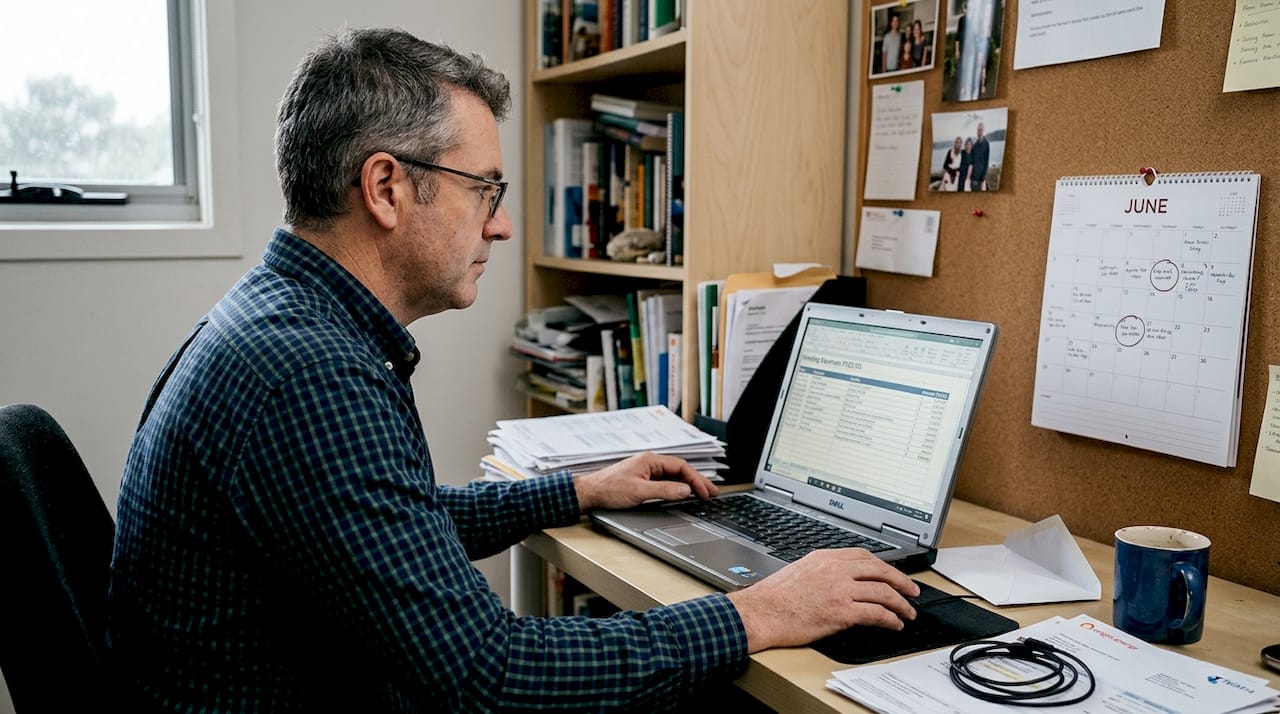
WordPress itself is free and open-source. You pay for hosting, your domain name, and any premium plugins or themes you choose. That’s it. Compare that to proprietary platforms that charge monthly fees regardless of how your business is performing. Affordable WordPress packages are available for Canberra businesses at fixed prices, which removes the guesswork from budgeting.
| Platform | Monthly cost (approx.) | Customisation | Ownership |
|---|---|---|---|
| WordPress | $10–$30 (hosting only) | Very high | Full |
| Wix | $23–$65 | Moderate | Limited |
| Squarespace | $23–$65 | Moderate | Limited |
| Shopify | $39–$105 | High (e-commerce) | Limited |
As the table shows, comparing WordPress hosting costs reveals a clear financial advantage. You own your site outright, which means no platform can raise prices or shut down your account and take your content with it.
Here are a few practical ways to keep WordPress costs low:
The open-source model also means a large global community constantly improves the platform. Security patches, new features, and performance improvements arrive regularly, at no extra cost to you.
A website breach is more than an inconvenience. It can damage your reputation, expose customer data, and cost you significant time and money to fix. The good news is that WordPress, when properly maintained, is a secure and resilient platform.
WordPress site breaches can be reduced by up to 60% with proper security measures in place. That’s a significant margin, and it’s achievable with straightforward habits and the right tools.
Key security practices for Canberra business owners include:
For WordPress security best practices, the fundamentals are consistent: update regularly, limit login attempts, and use a reputable hosting provider.
“Small, steady habits create a strong defence. Most site breaches happen not because WordPress is weak, but because routine maintenance was skipped. Businesses that treat security as an ongoing practice, rather than a one-time setup, stay protected.”
Local support is another major advantage. When something goes wrong, you want someone you can actually speak to. Canberra-based WordPress support services provide ongoing maintenance, troubleshooting, and updates so your site keeps running reliably. That peace of mind is worth a great deal when you’re focused on running your business.
Your business won’t look the same in three years as it does today. You might add new services, open a second location, or decide to sell products online. WordPress grows with you, and that adaptability is one of its strongest qualities.
WooCommerce for Canberra businesses is a leading WordPress plugin for e-commerce, supporting easy expansion for local SMBs. You can add a full online store to your existing site without starting from scratch. WooCommerce handles product listings, payments, shipping, and inventory in one place. Check out the key WooCommerce features to understand what’s possible.
| Feature | WordPress + WooCommerce | Shopify | Squarespace |
|---|---|---|---|
| Upfront cost | Low | Medium | Medium |
| Transaction fees | None (own gateway) | 0.5–2% | 0–3% |
| Customisation | Very high | High | Moderate |
| Plugin ecosystem | Extensive | Good | Limited |
| Ownership | Full | Platform-dependent | Platform-dependent |
Here’s a simple process for preparing your WordPress site for growth:
You can also explore Canberra e-commerce examples to see how local businesses have structured their online stores for practical results.
Pro Tip: Before adding WooCommerce, confirm your hosting plan supports the additional load. A plan that works well for a brochure site may slow down under e-commerce traffic. Speak to your hosting provider before you expand.
Most conversations about WordPress focus on cost or ease of use. Those matter, but they’re not the real reason experienced local agencies recommend it. Customisation is what separates a site that attracts customers from one that simply exists online.
When you use a template-only approach, you end up with a site that looks like hundreds of others. Visitors notice, even if they can’t articulate why. A customised WordPress build, designed around your specific audience and location, creates a digital presence that genuinely reflects your business.
We’ve seen Canberra businesses transform their enquiry rates simply by restructuring their homepage to speak directly to local customer concerns. No new advertising spend. Just a smarter, more tailored site.
The custom development process for Canberra businesses involves understanding your goals first, then building features that serve those goals. That’s a very different approach from picking a template and filling in the blanks.
Don’t underestimate how much the right customisation decisions affect your visibility in local search, your conversion rate, and ultimately, your revenue. Consult an expert before you build, not after.
You’ve seen the advantages. Now the practical question is: who helps you put them into action?

At Asporea Digital, we work with small businesses across Canberra, Queanbeyan, and Googong to build WordPress sites that are modern, secure, and built to grow. Whether you need a clean brochure site, a WooCommerce store, or a more complex build, we offer fixed-price packages so you always know what you’re paying. Explore our WordPress customisation work in Canberra or learn more about our custom WordPress development process. Book a free strategy call and let’s talk about what your site needs to attract more local customers.
Yes, with the right security plugins and regular maintenance, WordPress breaches reduce by up to 60% compared to unmanaged sites. Consistent upkeep is the key factor.
WordPress’s open-source platform and low hosting costs make it one of the most budget-friendly options available. Affordable packages for Canberra SMBs are available at fixed prices with no hidden fees.
Absolutely. WordPress scales easily and integrates with WooCommerce for e-commerce, allowing you to add products, bookings, or memberships as your business expands.
Yes. Local agencies and dedicated WordPress support services provide ongoing maintenance and troubleshooting, meaning you’re never left managing technical issues alone.

Protect your business accounts with two-factor authentication. Learn how to add 2FA to your email, website, hosting, and WordPress logins.

Refresh your website for the Christmas rush and set up your Boxing Day switch in minutes. A simple two-step plan for Australian small business owners.
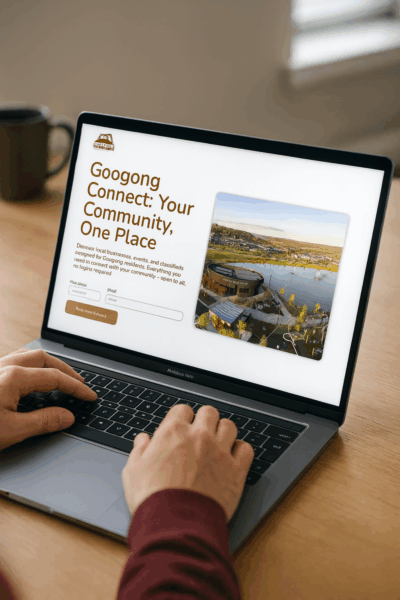
Discover Googong Connect, a new platform bringing residents, businesses and community groups together. Connecting everyone from 2026.
