

Blog

Before You Monetise Your Substack, Get the Content Strategy Right
Substack is easy to launch, but paid publishing needs strategy. Shape the content, offer and member journey before adding a paywall.

TL;DR:
- Website automation helps small Canberra businesses save time and improve customer experience.
- Automations like online booking, email notifications, and review requests boost visibility and engagement.
- Starting with simple, targeted automations yields better results than overcomplicating with multiple tools.
Most small business owners in Canberra assume website automation is something reserved for large corporations with big IT budgets. That assumption costs time, money, and customers every single day. The truth is that practical, affordable automations are well within reach for local businesses, whether you run a consultancy in Braddon, a trade service in Tuggeranong, or an allied health practice in Belconnen. This article walks you through what website automation actually means, how it cuts your workload, strengthens your online visibility, and keeps customers engaged, without requiring a technical background or a large investment.
| Point | Details |
|---|---|
| Save time fast | Website automations cut manual tasks and reduce errors for Canberra small businesses. |
| Drive more sales | Automated features help increase customer enquiries and convert prospects to clients. |
| Affordable solutions | Even basic automations offer high impact without costly investments. |
| Easy to start | Simple tools like automated booking or forms are quick to set up and deliver immediate value. |
Website automation refers to using software tools and built-in features to handle repetitive tasks on your website without manual effort. Instead of you or your staff responding to every enquiry, confirming every booking, or manually sending follow-up emails, your website does the work in the background.
For small businesses, the most practical automations fall into a few clear categories:
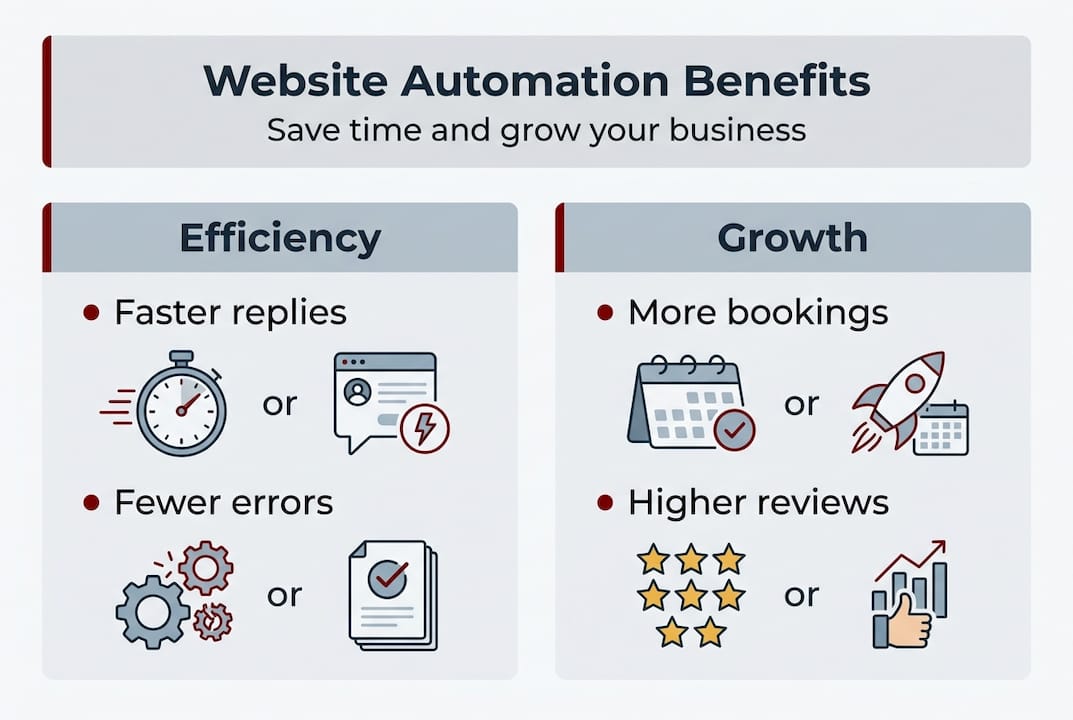
The benefits go beyond convenience. Automation reduces human error, speeds up response times, and creates a more consistent experience for every customer who visits your site. Streamlined website workflows can also help boost website traffic by improving how your site performs and engages visitors over time.
If you are still deciding what kind of site you need, reviewing website packages Canberra businesses actually use is a good starting point.
Pro Tip: Start with one automation that solves your biggest time drain. For most service businesses, that is the booking or enquiry process. Get that running smoothly before adding anything else.
With foundation concepts laid out, let’s examine how automations actually impact day-to-day business.
The difference between a manual workflow and an automated one is significant. Consider what happens when a new client enquiry arrives on a typical Monday morning.
| Task | Manual workflow | Automated workflow |
|---|---|---|
| Receive enquiry | Check email manually | Instant notification sent |
| Send acknowledgement | Write and send reply | Auto-reply sent immediately |
| Schedule appointment | Back-and-forth emails | Client self-books online |
| Send reminder | Staff member calls or emails | Automated reminder sent |
| Follow up after appointment | Manual email or call | Triggered follow-up email |
The time saved across a week adds up quickly. Workflow automations on small business websites reduce manual effort and the errors that come with repetitive tasks.
Here is a straightforward way to set up an automated booking workflow for a service-based business:
Website automation features are increasingly used for scheduling in professional services, trades, and allied health, where appointment management used to consume hours each week.
Pro Tip: Always test your automation from the customer’s perspective before going live. Book a test appointment yourself and follow the entire email sequence to confirm every step works as intended.
Streamlined operations are only one side. Let’s see how automation affects your customers and sales.
Automation is not just about saving time internally. It also plays a direct role in how visible your business is online and how well your website attracts new customers.
Automated website features can help improve visibility and drive more enquiries for Canberra small businesses when set up with intention. Here are the key options worth prioritising:
The impact of these features on enquiry rates is measurable. Here is a general view of how common automations perform:
| Automation feature | Typical impact on enquiries |
|---|---|
| Automated review requests | 20 to 35% more reviews collected |
| XML sitemap automation | Faster Google indexing of new pages |
| Lead magnet with email capture | 15 to 40% increase in list growth |
| Social proof display on site | Improved trust and time on page |
| Schema markup automation | Better visibility in rich search results |
Looking at winning website examples from Canberra businesses shows how these features work together in practice. If you are building from scratch, a solid business website guide Canberra can help you plan which automations to include from the start.
Besides attracting more customers, automations also help you communicate and convert prospects.
Getting someone to visit your website is one thing. Keeping them engaged and moving them toward an enquiry or purchase is another. This is where automation genuinely earns its place in your business.

Automations increase customer engagement and support conversion growth for Canberra-based small businesses when they are built around the customer journey, not just internal convenience.
Here are the engagement automations worth setting up:
To set up a basic lead follow-up automation, connect your contact form to an email marketing tool like Mailchimp or ActiveCampaign. Create a short welcome sequence of three to five emails. Set the first to send immediately, the second after two days, and the third after five days. Keep each email focused on one useful idea or offer.
Businesses that follow up with web leads within five minutes are nine times more likely to convert them. Automation makes that speed possible without anyone watching the inbox.
If budget is a consideration, affordable website packages can include these features from the outset. For those building on WordPress, a practical WordPress website guide Canberra covers the technical setup in plain language.
Having covered all the practical uses, let’s turn the lens on what most businesses still miss about automations.
Most advice on automation pushes businesses toward doing more. More tools, more sequences, more touchpoints. In our experience, that approach creates complexity without results.
The businesses that benefit most from automation are not the ones with the most sophisticated setups. They are the ones who identified their single biggest time drain, automated that one thing well, and kept it simple. A well-configured booking system or a three-email welcome sequence, built on a stable WordPress site, will outperform a complicated stack of tools that nobody fully understands.
There is also a tendency to automate before auditing. Before you add any tool, spend twenty minutes listing every manual task your website currently creates for you or your staff. Rank them by how much time they consume. Then automate the top one or two. That discipline, small and steady, creates genuine efficiency.
Personalisation matters too. Automated does not have to mean impersonal. Use the customer’s name, reference what they enquired about, and make each email feel considered. That is what builds trust over time. You can find practical website design tips Canberra businesses use to keep automation feeling human and relevant.
If the ideas in this article resonate, the next step is straightforward. You do not need to overhaul your entire website or invest in expensive platforms. You need a clear plan and a site that is built to support automation from the ground up.

At Asporea Digital, we build WordPress websites for Canberra small businesses that include practical automation features as standard. Whether you need a booking system, lead capture, or a smarter enquiry process, we scope it clearly and build it to work. Explore how modern design for growth and reliable WordPress site support come together in one local package. You can also see what is possible through our WordPress customisation Canberra examples. Get in touch for a website review and we will show you exactly where automation can save you time.
Automated contact forms, booking systems, and email notifications are simple to set up and offer quick efficiency gains. These streamlined online bookings features are a reliable starting point for most Canberra small businesses.
Yes, features like automated SEO updates, testimonial collection, and social media feeds can drive more traffic and support your marketing. Automated website features help improve visibility without requiring ongoing manual effort.
Most automations are affordable and low-risk when you start with core workflows and proven tools. Affordable website service packages make these features accessible for Canberra SMBs without large upfront costs.
Automated nurture emails, chatbots, and feedback prompts keep customers more engaged and increase conversion rates. Automations support conversion growth when they are built around the actual customer journey rather than internal processes alone.

Substack is easy to launch, but paid publishing needs strategy. Shape the content, offer and member journey before adding a paywall.

Stop getting silence after you hit send. Use an AI Assisted Automated Response that reflects the enquiry and buys time properly.

A handover document gives you access to your site to update, protect, measure and get support without needing anyone else.
