

News

Googong Connect: A Smarter, Friendlier Way to Build Community
Discover Googong Connect, a new platform bringing residents, businesses and community groups together. Connecting everyone from 2026.

Many small business owners think their WordPress website will run smoothly forever once it goes live. The truth hurts: 60% of sites face security or functionality issues within six months without ongoing support. Understanding website support transforms your online presence from a ticking time bomb into a reliable customer magnet. This guide reveals how proper support enhances e-commerce, booking features, and local visibility while helping you choose affordable Canberra-based services that protect your investment.
| Point | Details |
|---|---|
| Support prevents crises | Without ongoing care, 60% of WordPress sites encounter security or performance problems within six months. |
| Revenue features need maintenance | E-commerce and booking functions require regular updates to avoid transaction failures and lost sales. |
| Local support wins | Canberra-based providers offer faster response times and personal communication essential for reliability. |
| DIY costs more | Professional support saves 25% annually compared to fixing problems yourself after they escalate. |
| Fixed pricing brings peace | Predictable monthly packages eliminate surprise bills and budget uncertainty. |
Website support means continuous care that keeps your WordPress site healthy long after the initial build. Think of it like car maintenance: you wouldn’t skip oil changes and expect your vehicle to run forever. Professional WordPress support includes monitoring, updates, backups, security patches, and troubleshooting to maintain performance and security.
The work never truly ends for websites, especially those handling customer transactions. Support services tackle the technical tasks most business owners lack time or expertise to manage. Regular updates patch security holes before hackers exploit them. Backups protect against data loss when things go wrong. Performance monitoring catches slowdowns that drive customers away.
Sites with e-commerce or booking features face higher stakes. A single plugin conflict can break your checkout process or prevent customers from scheduling appointments. Your Canberra WordPress fixed price packages should include proactive maintenance that prevents these disasters. Without support, you’re gambling with your revenue stream every single day.
Professional support providers handle the technical heavy lifting:
Pro Tip: Schedule maintenance during your slowest business hours to catch small issues before they escalate into customer-facing problems. A quick monthly review of your site’s health dashboard prevents 90% of emergencies.
The distinction matters: building a website is a project with an endpoint, but supporting it is an ongoing relationship. Tailored WordPress website support adapts as your business grows, adding features and capacity when you need them.
Google rewards fast, secure, mobile-friendly websites with higher rankings. Active website maintenance significantly improves SEO rankings and organic traffic for local businesses by keeping your technical foundation solid. When your site loads quickly and works flawlessly on phones, visitors stick around longer. Lower bounce rates signal quality to search engines.
Support services fix the invisible problems that tank your rankings. Broken links frustrate users and waste Google’s crawling budget. Plugin conflicts create errors that search engines interpret as poor quality. Outdated code slows page loads, pushing you down in mobile search results where most customers find you.
Regular maintenance enables rapid response to algorithm changes. Google updates its ranking factors constantly. Sites that adapt quickly maintain visibility while competitors scramble. Your support team implements best practices automatically, from schema markup to image optimization.
The visibility payoff is measurable. Sites with ongoing professional care see up to 30% increases in organic traffic within six months. More local Canberra customers discover your business when you consistently appear in the top search results. Performance updates help reduce bounce rates and increase user engagement, which boosts search rankings.
Key SEO benefits from ongoing support:
Sites receiving regular maintenance experience up to 30% higher organic traffic compared to neglected websites, directly impacting customer discovery and lead generation.
Your website speed improvements compound over time. Each optimization builds on the last, creating a technical advantage competitors struggle to match. SEO optimized WordPress sites don’t happen by accident; they result from consistent attention to performance details.
WooCommerce powers millions of online stores, but it demands constant attention. Payment gateways update their requirements. Shipping calculators need reconfiguration. Product import tools break with WordPress updates. Without support, your customers hit checkout errors that send them straight to competitors.

Booking systems face similar fragility. Appointment plugins rely on complex calendar logic that conflicts with other site components. Email notifications stop sending when server settings change. Double-bookings occur when synchronization fails. Each problem costs you real money and damages customer trust.
Dedicated support reduces transaction failures and booking errors, raising customer trust through reliable functionality. Your support team tests critical workflows after every update. They catch conflicts before customers encounter them. When issues do arise, fast resolution prevents revenue loss.
Reliable e-commerce support directly impacts your bottom line. Cart abandonment drops when checkout works smoothly every time. Customers complete purchases at 2 AM without calling for help. Your booking calendar fills because clients trust the system to remember their appointments.
Essential support tasks for transaction features:
Pro Tip: Test your complete checkout and booking process monthly, not just after updates. Use a real transaction (refund it after) to catch problems before customers do. Five minutes of testing prevents hours of lost sales.
Enhanced uptime means customers transact whenever they want. A site that works reliably 24/7 captures sales from early birds and night owls alike. Supporting WordPress booking plugins properly turns your website into a tireless employee who never takes breaks or makes scheduling mistakes.
The biggest myth? Your WordPress site needs nothing after launch. This fantasy crumbles fast when reality hits. Plugins stop working. Security vulnerabilities get discovered. Design elements break on new devices. Without intervention, your professional website becomes a liability within months.
Another dangerous belief: DIY management saves money. The opposite proves true. Small business owners spend 25% more annually fixing self-inflicted problems than they would pay for professional support. You waste valuable hours on technical issues instead of running your business. Emergency fixes cost triple what preventive maintenance does.
Many think security is a one-time checkbox. Modern threats evolve daily. Hackers probe WordPress sites constantly, exploiting newly discovered weaknesses. Yesterday’s secure site becomes today’s easy target without ongoing security patches and monitoring.
The real costs of skipping support extend beyond money. Downtime during business hours means lost sales and frustrated customers. Security breaches expose customer data, destroying trust and inviting legal problems. Slow performance drives visitors away before they see your offers.
60% of WordPress sites face security or functionality issues within six months without ongoing support, resulting in lost revenue, damaged reputation, and emergency repair costs.
Myths versus reality:
Recognizing these common WordPress support myths helps you make informed decisions. The question isn’t whether you need support, but which approach protects your business best. Understanding WordPress support misconceptions early saves you from expensive lessons later.
DIY website management sounds appealing until you calculate true costs. You need technical skills most business owners lack. Troubleshooting plugin conflicts takes hours of research. Security monitoring requires constant attention. Backups demand careful configuration and testing. One mistake wipes out days of work.
Professional support delivers expertise you can’t match without years of training. Experienced teams resolve issues in minutes that would take you hours or days. They spot problems before they cause downtime. Their systematic approach prevents the chaos of reactive firefighting.
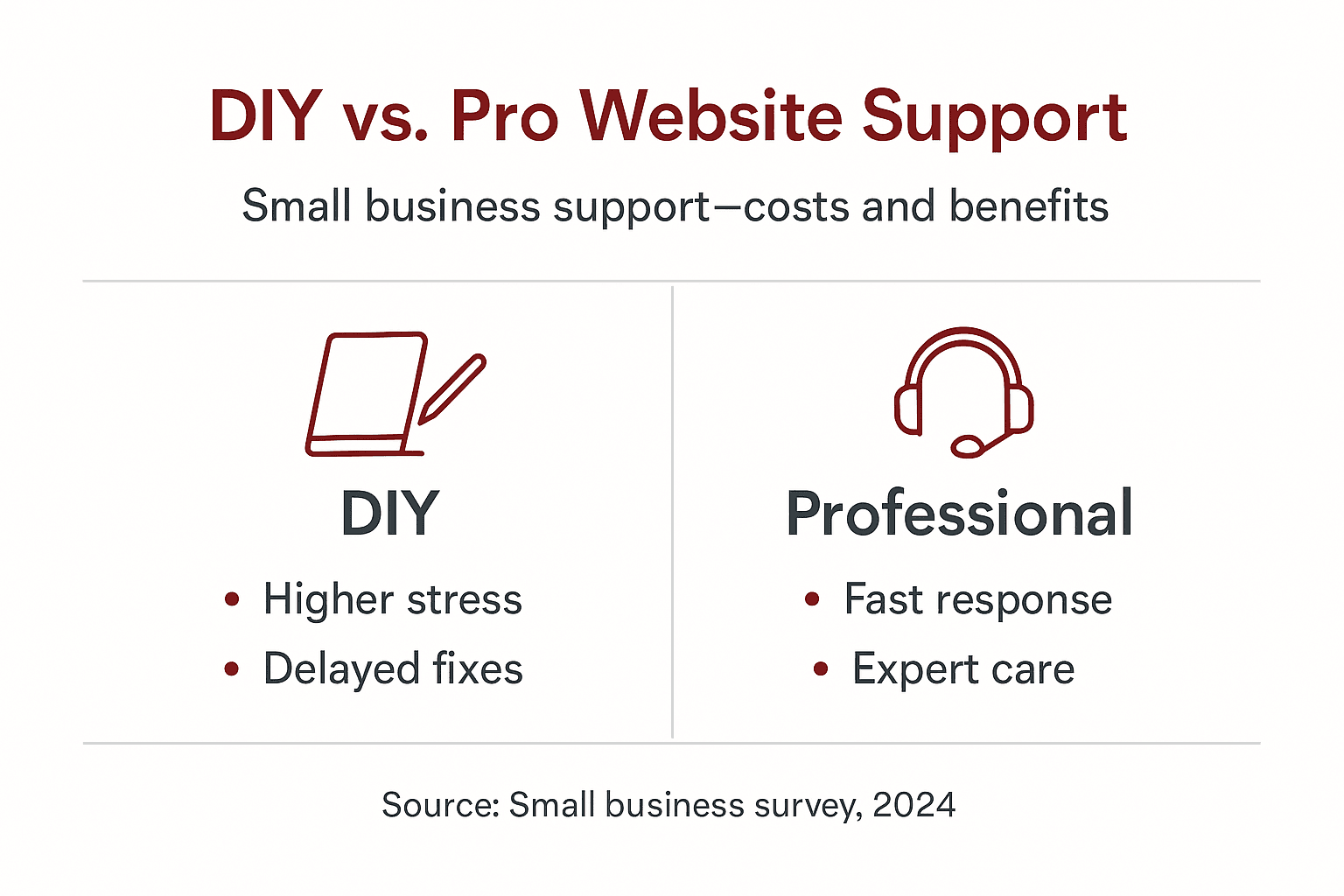
Professional support reduces downtime and emergency fix costs compared to DIY approaches through proactive maintenance and rapid response. Fixed-price packages let you budget predictably. No surprise bills when things break. No scrambling to find help during a crisis.
The financial math favors professional care. Emergency repairs cost three to five times more than preventive maintenance. Lost sales during downtime dwarf monthly support fees. Your time has value; technical rabbit holes steal hours from revenue-generating activities.
| Aspect | DIY Approach | Professional Support |
|---|---|---|
| Monthly time investment | 8-12 hours | 0 hours (handled for you) |
| Average annual cost | $2,400-3,600 (time + fixes) | $1,800-2,400 (predictable) |
| Response time for issues | Hours to days | Minutes to hours |
| Security monitoring | Manual, inconsistent | Automated, continuous |
| Expertise level | Learning as you go | Years of specialized experience |
| Downtime risk | High (slower problem resolution) | Low (proactive prevention) |
Deciding between DIY and professional support:
Most small business owners discover professional support costs less when they factor in their own time value. Spending three hours troubleshooting a plugin conflict costs more than a month of support if your time generates $50+ per hour in your business. The choice becomes obvious once you do the math properly.
Understanding DIY vs professional support costs helps you make smart investments in your online presence rather than false economies that backfire.
Local presence matters more than most business owners realize. Canberra-based support means your provider understands regional business conditions and customer expectations. Local Canberra support offers quicker response times and personal communication, essential for small business reliability.
Face-to-face meetings build trust that remote relationships struggle to match. You can visit your provider’s office, shake hands, and discuss strategy in person. When urgent issues arise, local teams respond faster because they’re in your timezone and understand your business hours.
Fixed-price packages eliminate billing surprises. You know exactly what you’ll pay each month. No hidden fees. No scope creep. Transparent pricing lets you budget confidently. Look for packages that clearly list included services: updates, backups, monitoring, and support hours.
WordPress and WooCommerce specialization is non-negotiable. Generic web support lacks the deep platform knowledge your site needs. Specialists understand common conflicts, optimal configurations, and best practices specific to WordPress. They solve problems faster because they’ve seen them before.
Verifying provider credentials protects your investment:
Track record matters enormously. Ask potential providers for references from similar businesses. How quickly do they respond to urgent issues? Do they proactively suggest improvements? Have their clients experienced security breaches or extended downtime?
The right provider becomes a strategic partner, not just a vendor. They understand your business goals and suggest website improvements that support growth. They alert you to opportunities like seasonal promotions or new features that could boost sales.
Local Canberra WordPress maintenance services tailored to small businesses combine technical expertise with business understanding. Fixed price support packages Canberra providers offer give you predictable costs and reliable service that scales as you grow.
Your website works hard for your business. Shouldn’t it have professional support that works just as hard? Asporea Digital offers fixed price WordPress packages in Canberra designed specifically for small businesses like yours. We handle the technical details so you can focus on serving customers and growing revenue.

Our managed update services keep your site secure, fast, and reliable without consuming your valuable time. We proactively monitor performance, test updates before applying them, and resolve issues before they impact customers. Your e-commerce and booking features work flawlessly, converting visitors into sales around the clock.
Local Canberra service means faster response when you need help. We understand regional business challenges and customer expectations. Our transparent pricing eliminates surprise bills. You get enterprise-level reliability at small business prices, plus the peace of mind that comes from knowing experts protect your online investment. We even offer tools like our website performance plugin to enhance your site’s capabilities.
Professional WordPress support in Canberra typically ranges from $150 to $400 monthly depending on service level and site complexity. Basic packages include updates, backups, and security monitoring, while premium tiers add performance optimization, priority support, and consulting hours. Fixed-price packages offer the best value for small businesses seeking predictable budgeting.
Reputable Canberra providers respond to urgent issues within 1-2 hours during business hours, with critical problems addressed immediately. Non-urgent requests typically receive attention within 24 hours. Local providers in your timezone offer faster response than overseas teams, especially for time-sensitive problems affecting sales or bookings.
Absolutely. Professional support maintains reliable checkout and booking processes that reduce cart abandonment and transaction errors. Faster page loads and better mobile performance increase conversion rates, while improved SEO visibility brings more qualified traffic to your offers. Sites with proper support consistently outperform neglected competitors.
Local Canberra providers offer significant advantages: faster response times in your timezone, face-to-face communication when needed, and understanding of regional business conditions. While remote support can work, local relationships build trust and enable strategic collaboration that improves results. Choose local when reliability and partnership matter most.
Verify the contract clearly defines included services, response time guarantees, and pricing structure without hidden fees. Look for specifics about update procedures, backup frequency and storage, security monitoring scope, and emergency support availability. Ensure the agreement includes regular reporting and easy cancellation terms if service doesn’t meet expectations.

Discover Googong Connect, a new platform bringing residents, businesses and community groups together. Connecting everyone from 2026.

DIY Squarespace can look cheap, but hidden costs, owner time and growth limits can make WordPress the smarter long-term choice.

Protect your business accounts with two-factor authentication. Learn how to add 2FA to your email, website, hosting, and WordPress logins.
