
Blog

Add Subscribers to Your Newsletter List Easily with PDQ
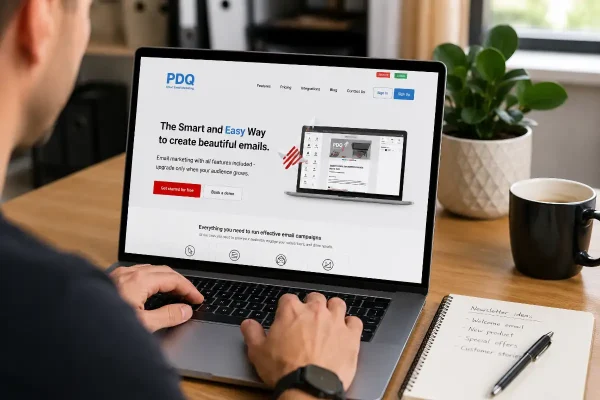
PDQ makes it easy to add subscribers from your website forms to newsletter lists without messy exports or costly platforms.

The workday starts before the office is fully awake. The coffee machine hums, the phone lights up, and a dozen browser tabs open almost by reflex. Orders wait to be dispatched, refunds need authorising, and customers are already asking for tracking numbers. The inbox fills faster than you can read it.
Between supplier updates and customer enquiries sits another invoice. The layout looks familiar, the logo is one you recognise, and the total feels about right for this time of month. You click it without thinking, because paying bills is part of keeping everything moving.
This is how scams find their moment. They do not look strange or threatening. They look routine. They arrive when you are focused on something else and rely on that brief, tired pause where you click before you question.
This story is for anyone who manages payments while keeping the day running. It explains how to recognise a fake invoice before it reaches your accounts, and how to avoid the payment pages that pretend to be legitimate.
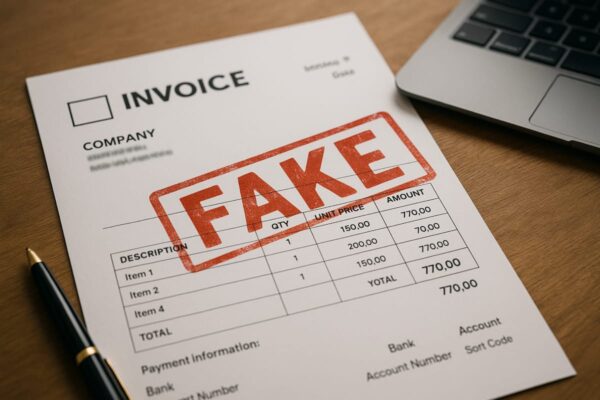
The first is the fake invoice sent by email. It might come from an address that almost matches a supplier, or from a name you trust. The tone is polite, the subject professional, and the message usually carries a short deadline. The attachment or link either downloads a convincing copy of a bill or redirects you to a page that collects your details.
The second is the fake online invoice page. A message or text might link to what looks like a regular payment portal. The design is tidy, the forms familiar, and the branding close enough to pass. But the web address is slightly wrong. It might add one letter, replace a symbol, or use a free domain that anyone could register. These pages exist purely to collect passwords or card details.
Both scams work because they blend into normal business life. They mimic the pace, tone and paperwork you see every day.
Start with the sender. Read the full email address, not just the display name. One extra character or an unexpected domain is enough reason to pause.
Read the message aloud in your head. Does it sound like the person or business you deal with? Real suppliers use consistent language. Scammers often overplay urgency or politeness.
Check the details. Review the purchase order, due date and account number. If anything feels even slightly off, pick up the phone and confirm using a number already on file.
Hover over links before clicking. If the web address looks odd, do not touch it. Visit the supplier’s website through your own bookmarks instead.
Treat unexpected attachments with caution. If you did not request a bill, leave it closed until you confirm it is legitimate.
These habits take less than a minute and protect hours of work and your hard earned money.
When an invoice link opens a website, stop for one extra check. Look closely at the address bar. Does the domain name exactly match the supplier’s? Does it begin with https and show the padlock? A missing letter or a strange ending is a sign to close the page.
If the page looks slightly dated or the logo sits oddly, that too is a clue. Scammers often rush their copies. A real business invests care and consistency.
If the page asks you to sign in to view the invoice, open a new browser tab and go directly to the service instead of using the link. It takes ten seconds and eliminates most risks.
Falling for a fake invoice does not mean you were careless. Scams are designed to work during pressure. They mimic your habits, not your mistakes. When you are running payroll, managing refunds and replying to customers, the line between routine and risk can be thin.
The aim is not to become suspicious of every message. It is to create a short pause before payment where you check what matters.
Create one simple rule and make it standard. For example, any change to a supplier’s bank details must be confirmed by phone before payment.
If you have staff, share the responsibility. One person can enter invoices while another approves payments. That single separation often stops a scam.
Keep a list of verified suppliers and review it each quarter. If a new invoice appears from an unfamiliar source, it automatically gets a second look.
Write your rules in plain language and keep them near the point of payment. The easier they are to read, the more likely they are to be used.
Technology can take some of the strain.
Use a dedicated accounts email rather than a personal inbox. This keeps supplier messages separate from general correspondence.
Turn on two factor sign-in for email, accounting and banking systems. It adds a small step for you and a large barrier for attackers.
Keep your domain, hosting and software current. Out-of-date systems are easier to spoof and harder to recover.
Save supplier details inside your accounting software rather than copying them from each invoice. When a new bill arrives, compare it against your saved records.
If you opened a suspicious invoice or link, disconnect from the internet, then change the password for the account that was targeted. If you entered any card or banking details, contact your bank immediately and explain what happened. Enable two-factor sign-in for all related accounts.
Let your hosting or IT provider know if email access might have been compromised. They can check server logs and help secure your accounts. Write down what happened while it is still fresh so you can improve your process.
Prevention does not come from paranoia but from habit. The same calm, consistent approach you use to pack orders or check stock can protect your business online. Build a five-minute safety routine into your week: review invoices, clear suspicious mail, and remind staff of the verification rule.
Small, steady habits create a strong defence.
Would you spot a fake invoice on a busy Monday? Choose one step you will follow this week, such as confirming any change to bank details before you pay.
Asporea Digital helps small businesses stay safe and confident online through secure hosting, reliable systems and practical education for small business owners and their teams. If you would like a simple security review or guidance on safer website management, contact us.

PDQ makes it easy to add subscribers from your website forms to newsletter lists without messy exports or costly platforms.

Domain scams peak during December. Learn how scammers make their emails look real and how to protect your business with simple, practical checks.

Cut junk enquiries, protect your attention, and keep real customers from getting buried. A plain English guide to spam, bots, forms, and safer inbox habits.
