
Blog

Add Subscribers to Your Newsletter List Easily with PDQ
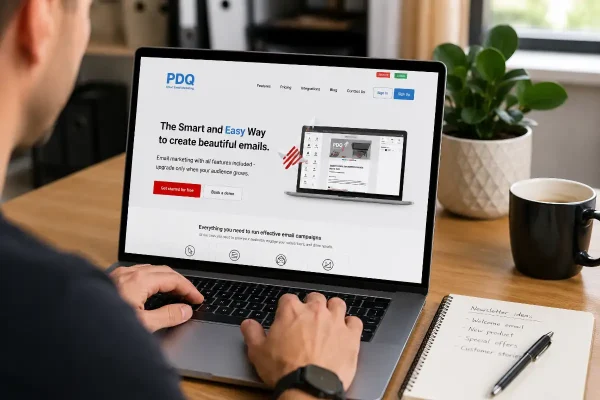
PDQ makes it easy to add subscribers from your website forms to newsletter lists without messy exports or costly platforms.

This time of year means more email. Invoices, approvals, last minute questions, and attachments moving around while everyone’s trying to finish things before 30 June. When volume goes up, the chance of a mistake goes up with it. People forward the wrong thread, send the wrong file, or leave sensitive client documents sitting in inboxes because it’s quick.
These email rules keep your email under control when things are busy.

If you want fewer headaches, a good email rule is stop treating email as storage. Email is good for context and decisions, but it’s a weak place to keep the business record because there are no clean permissions, no clear “source of truth”, and no easy handover.
When a document matters, save it to controlled storage and link to it from the email. That might be a client folder, a project folder, a document system, or a cloud drive with permissions. Pick one place and use it consistently. The outcome is simple: one version you can point to, access you can manage, and less time searching through old threads.
Make this email rule non negotiable. If you deal with client information, you don’t want sensitive documents sitting in mailboxes long term, especially in shared inboxes.
Sensitive covers anything that would cause real harm if it went to the wrong person or the mailbox was accessed by the wrong account: ID documents, bank details, medical information, payroll data, contracts, passwords, and similar.
Handle it the same way every time. Save the file into controlled storage, set permissions, then share a link. If you must send an attachment, move the source file into storage straight after and delete the attachment from the mailbox once it’s no longer needed. You’re not doing this to be tidy. You’re doing it to reduce privacy risk and limit the fallout from human error.
Start with the inboxes that matter: accounts, shared mailboxes, the address you use for invoicing, and any mailbox that regularly receives client documents.
Turn on two factor authentication. Then check who has access. Remove access that shouldn’t exist. If you can’t confidently list who can open a shared mailbox, fix that before you do anything else. Busy periods are when these gaps get exploited, and when honest mistakes get made.
If you don’t set a rule, email keeps everything by default. Attachments build up, shared inboxes become a messy archive, and sensitive files sit there indefinitely because nobody knows what can be deleted.
Set a working guideline. Our recommendation is 2GB per mailbox. The point isn’t technical limits. The point is behaviour. A guideline forces you to move documents into storage, keep shared inboxes manageable, and stop email turning into the place where files go to die.
If you need long term retention, do it deliberately through an archive that the business controls. Don’t rely on everyone keeping everything forever.
Cloud email is reliable, but reliability isn’t the same as recoverability. Decide what would actually hurt you: losing access, losing a mailbox, losing specific emails, or needing records quickly.
Some businesses only need continuity, which means keeping email central and avoiding setups that depend on one person’s device or local folders.
Other businesses need proper backup and retention because email forms part of their evidence trail, contractual record, or day to day trading. In that case, you want a solution that can restore mailboxes and items cleanly, with retention that fits your reality.
Email becomes unmanageable when the record is split across devices and local folders. Someone’s laptop becomes the archive. A phone has half the threads. A shared mailbox becomes a junk drawer.
Treat the mailbox as the source of truth. Control access properly. Store documents outside email. If you need an archive, make it central and intentional, not a side effect of how someone’s Outlook happens to be configured.
If EOFY is already full on, keep it simple and focus on the few things that prevent the worst outcomes.
Start with the mailboxes that handle invoices, approvals, and client documents. Turn on 2FA, confirm access is correct, and remove anyone who shouldn’t be there. Move sensitive attachments into controlled storage and switch to link sharing as the default. Then set the mailbox guideline and enforce it, especially for shared inboxes.

PDQ makes it easy to add subscribers from your website forms to newsletter lists without messy exports or costly platforms.

Help January customers choose with confidence by aligning your products with what they want at the start of a new year.

Turn Google Analytics website metrics into action: what to fix when visits drop, actions stall, or the wrong page becomes your front door.
